info@xyleminc.com
MS 7000 | DIAVASO Datalogger User Manual | 05/05/2017
7.1.1 Device counter
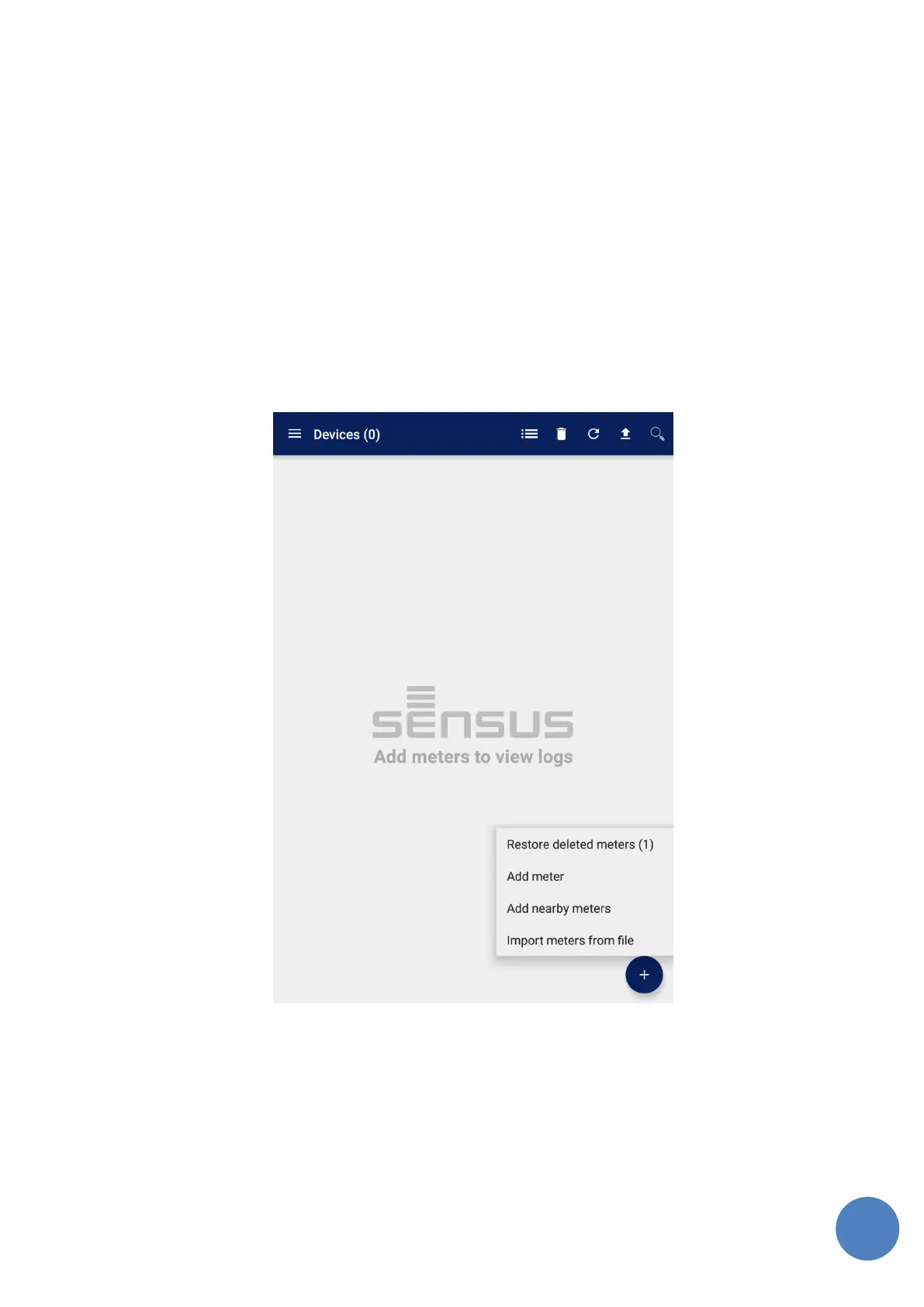
Device list screen contains number of devices in header part as shown in Figure 10.
7.1.2 Add device
When the Action button is clicked a menu with two options opens:
Restore deleted devices
Add meter
Add nearby meters
Import meters from file
FIGURE 2 EMPTY DEVICE LIST WITH ADD DEVICE OPTIONS
Restore deleted meters
When the user deletes a meter or meters, he or she can add them back to the list by selecting this
option. The user can delete multiple meters and this option will restore them all. The deleted
meters are kept until the user adds another meter to the list (using add methods below) or the
application is restarted.



 To Next Page