info@xyleminc.com
MS 7000 | DIAVASO Datalogger User Manual | 05/05/2017
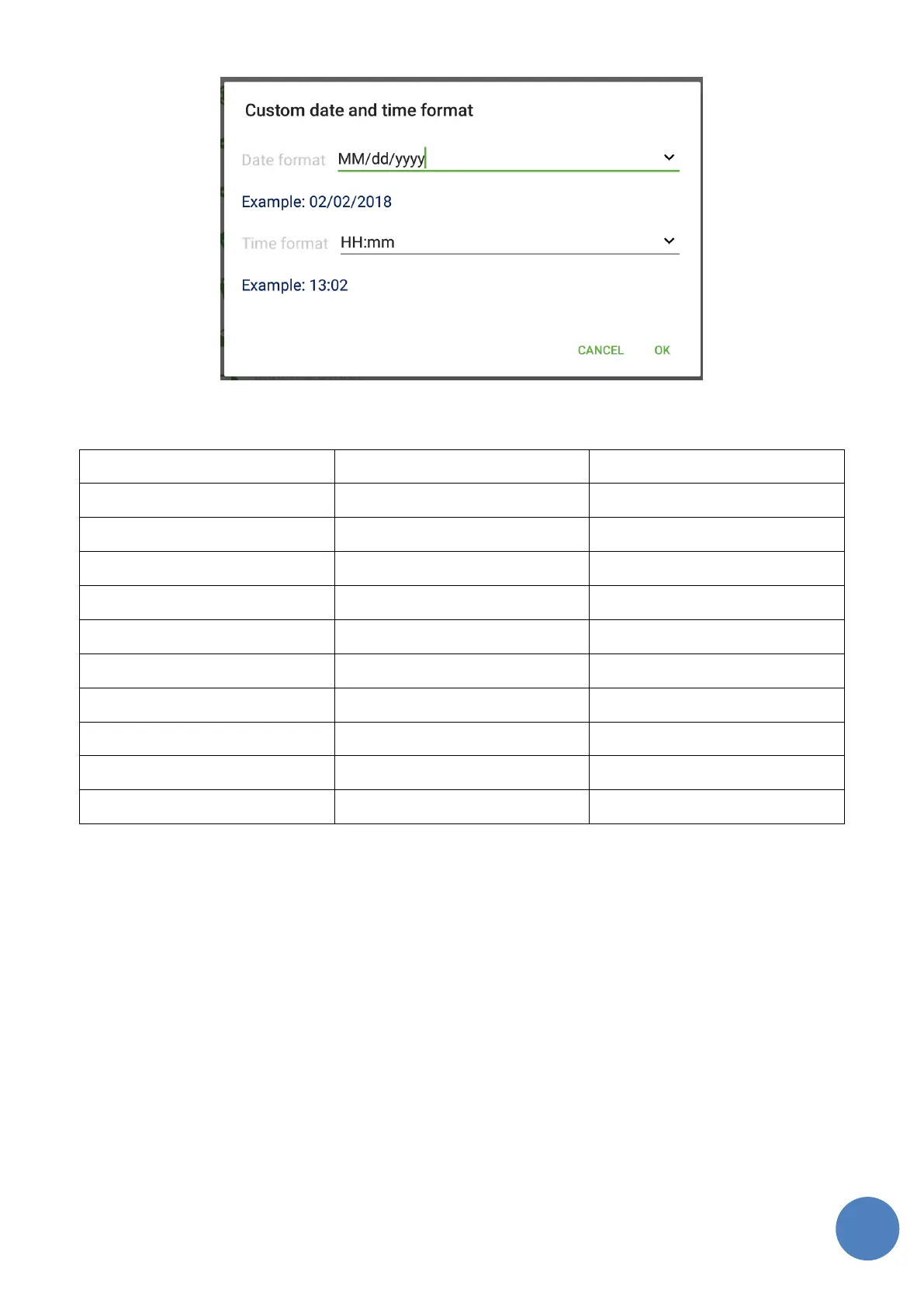
FIGURE 5: CUSTOM DATE AND TIME SETTINGS
5.7.2 FTP settings
FTP server connection can be configured on the screen shown in the Figure 6. If the
communication with FTP server is not successful then error dialog containing according message is
shown to the user.
FTP protocol – allows to choose Unsecured FTP connection option or one of the secure options
FTPS or SFTP.
• Server address – IP address or network name of the FTP server to use
• Port – allows to specify the port the FTP connection uses. This value is reset to default value
for each protocol when FTP protocol option is changed.



 To Next Page