MS 7000 | DIAVASO Datalogger User Manual | 05/05/2017
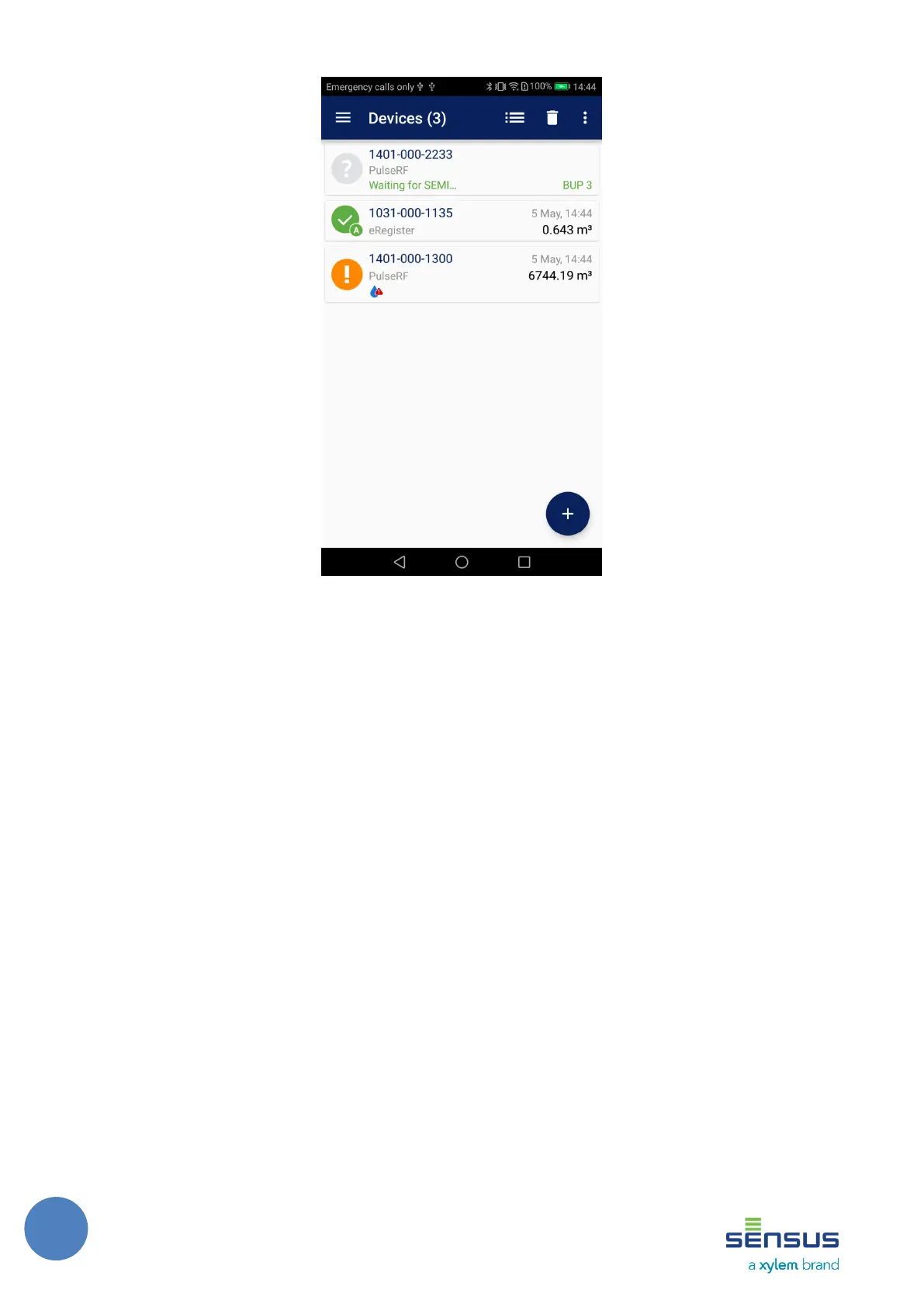
FIGURE 14: DEVICE LIST – READING IN PROGRESS
Apart from the status the device type, signal strength and time of reading is shown for each
device. Readout value and alarms are displayed if the application was able to decrypt the SEMI
telegram. Otherwise a Wrong key label is displayed. Readout value is interpreted to match meter
unit detected from SEMI.
The user can also remove a device from the list by swiping it out (dragging it out) from the list
to left or right. After that an Undo button is shown at the bottom of the screen as displayed on
Figure 15. The previously deleted item is restored when the Undo button is pushed. The button
automatically dismisses after 10 seconds or when another item is deleted.



 To Next Page