11436 Sorrento Valley Road • San Diego, CA 92121 • www.sequal.com • 858.202.3100
15
Troubleshooting Guide
Troubleshooting Guide
6. Loss of External Power or Hot Power Cartridge.
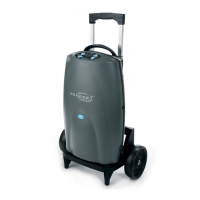
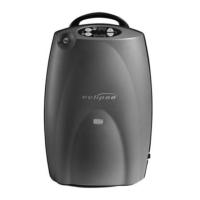
Eclipse Unit has a CONTINUOUS ALARM, a RED FLASHING LED, and the Eclipse is
NOT Running.
A. Has the Eclipse lost power at the electrical outlet? (check the power outlet )
i. If “Yes” then find a working outlet to plug in Eclipse.
ii. If “No” then proceed to Step B
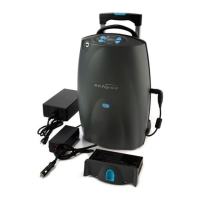
B. Remove all electrical power from the Eclipse; by removing the Power Cartridge and any AC or
DC power source.
i. If alarming continues, push & hold the Power Button for 5 - 7 seconds then release to
silence the alarm.
ii. Wait 15 seconds before re-connecting the AC or DC Adapter.
C. Ensure that the AC power cord is securely plugged into the AC Adapter Box and the Green LED
is LIT on top of the Adapter Box.
Continued on Next Page Æ


 To Next Page