25
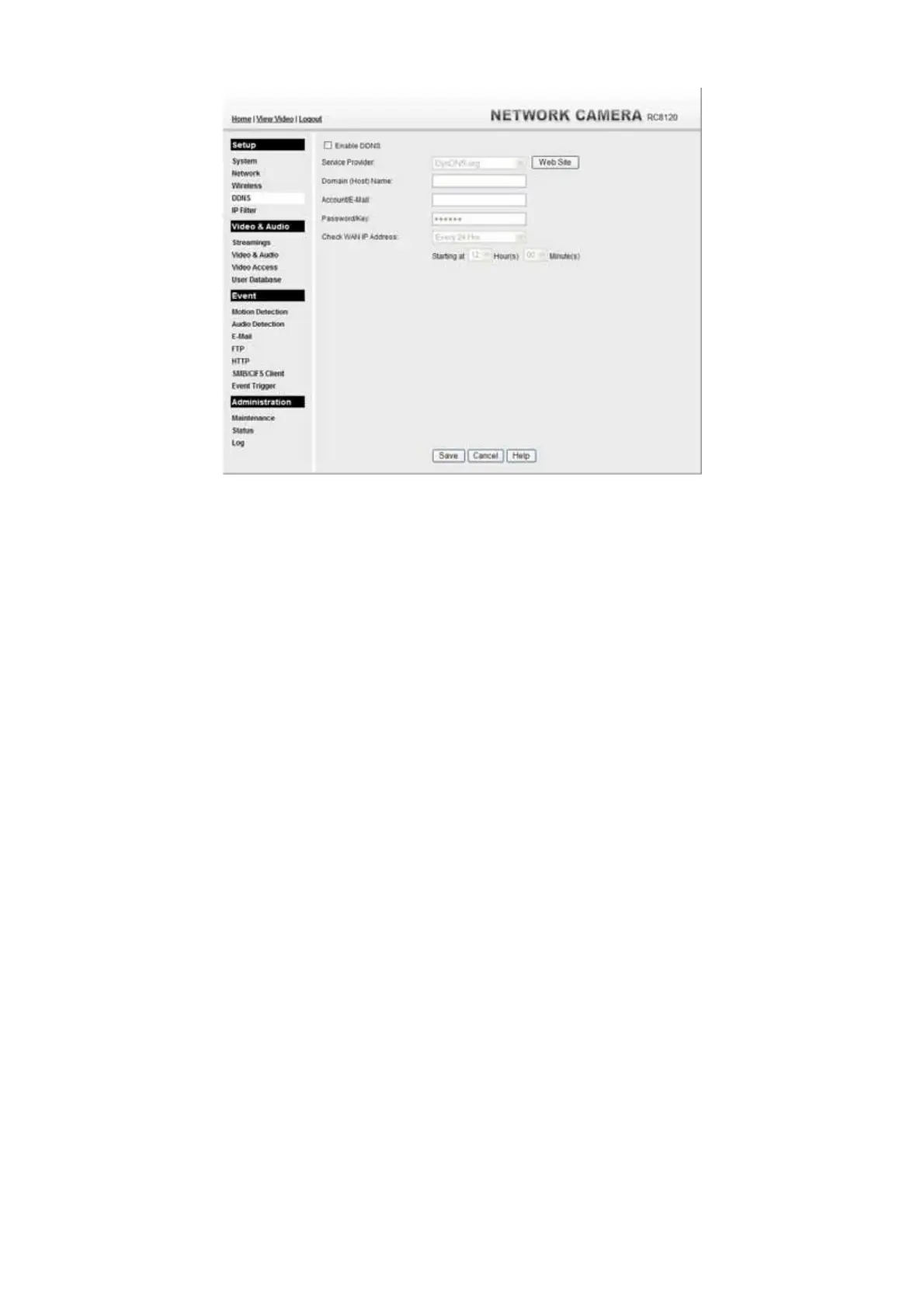
Figure 23: DDNS Screen
4. Operation is then automatic:
• The Network Camera will automatically contact the DDNS server
whenever it detects that the Internet IP address has changed, and inform the
DDNS server of the new IP address.
• Internet users can then connect to the camera using the Domain Name
allocated by the DDNS service provider.
Example: HTTP://mycamera.dyndns.tv:1024
mycamera.dyndns.tv is domain host name. 1024 is the port number.



 To Next Page