42
IP Filter
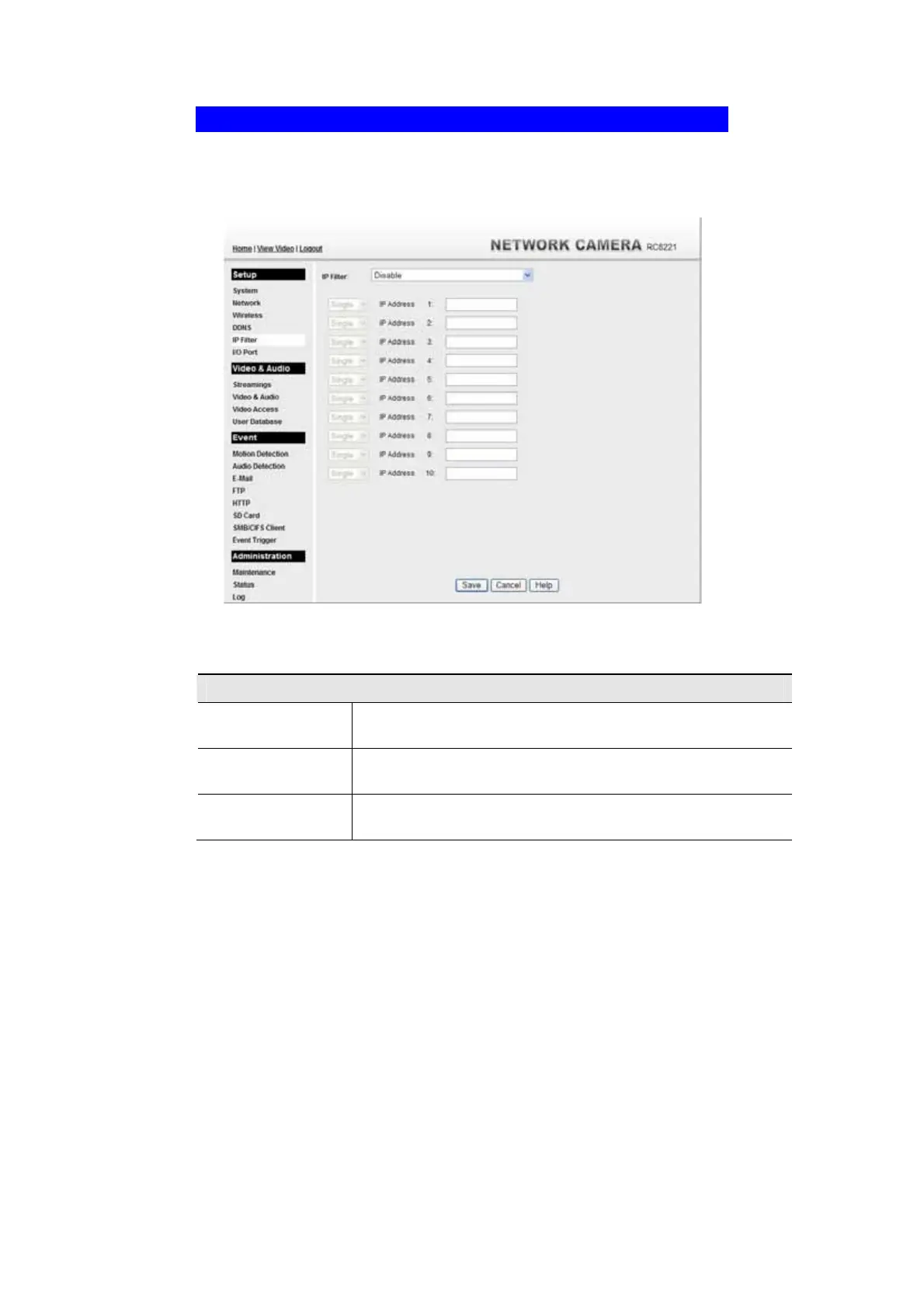
The IP Filter feature allows administrator to control network camera access by
filtering IP addresses. This screen is displayed when the IP Filter menu option is
clicked.
Figure 31: IP Filter Screen
Data - IP Filter Screen
IP Filter
IP Filter
Select the desired method to perform the IP address (or addresses)
filtering function.
Single/Range
Select to perform either single IP address or a range of IP addresses
that you desired.
IP Address
Enter an IP address or a range of IP addresses you would like to
allow or deny.



 To Next Page