63
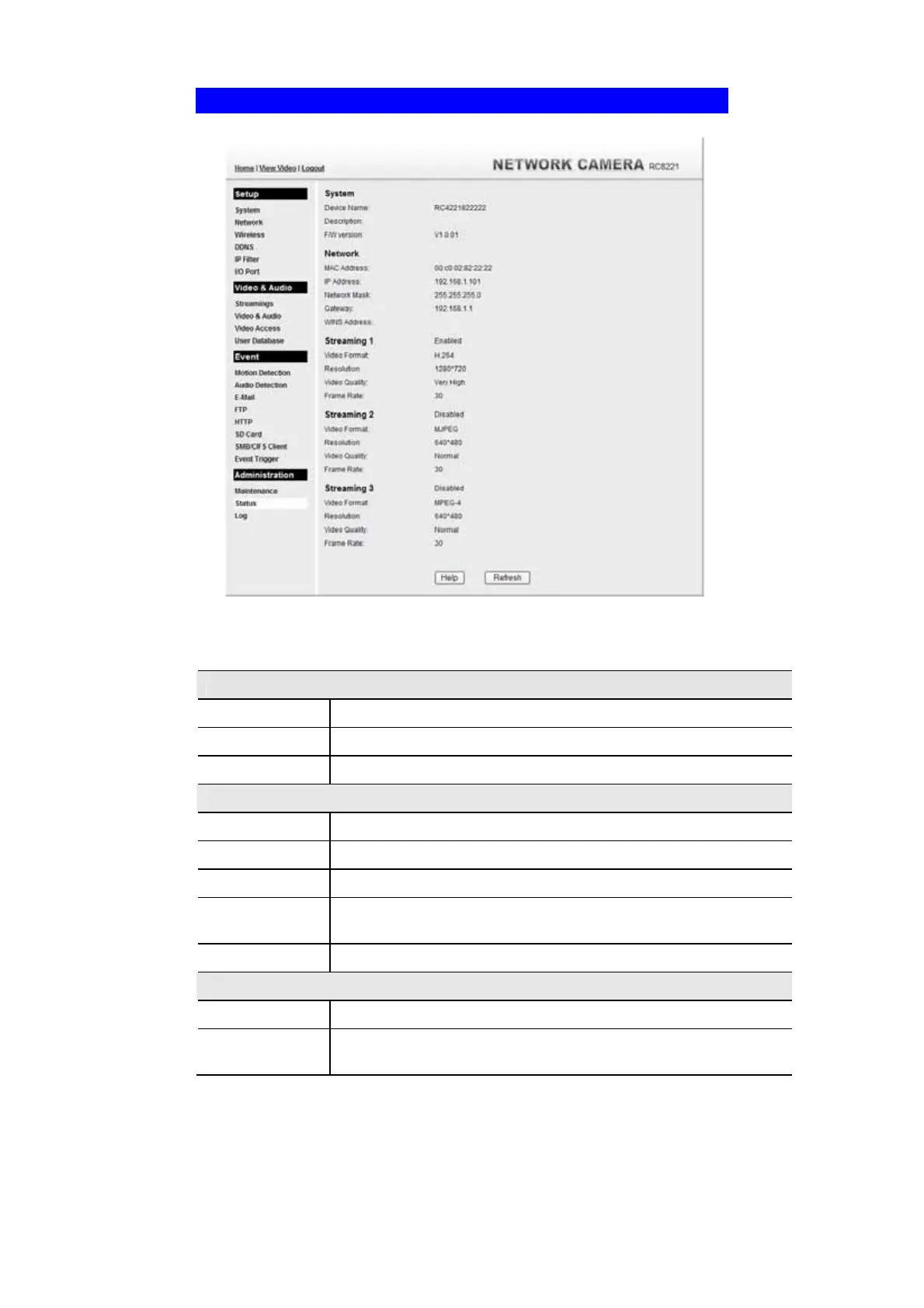
Status Screen
.
Figure 46: Status Screen
Data - Status Screen
System
Device Name
This shows the name of the Network Camera.
Description
This shows the description of the Network Camera, such as location.
F/W version
The version of the current firmware installed.
Network
MAC Address
The current IP address of the Network Camera.
IP Address
The IP Address of the Network Camera.
Network Mask
The network mask associated with the IP address above.
Gateway
The IP Address of the remote Gateway associated with the IP Address
above.
WINS Address
The IP Address of the WINS server.
Wireless
WSC PIN Dode
It displays the current WSC PIN code.
Network Type
This shows the Network Type currently in use (Ad-hoc or
Infrastructure).



 To Next Page