55
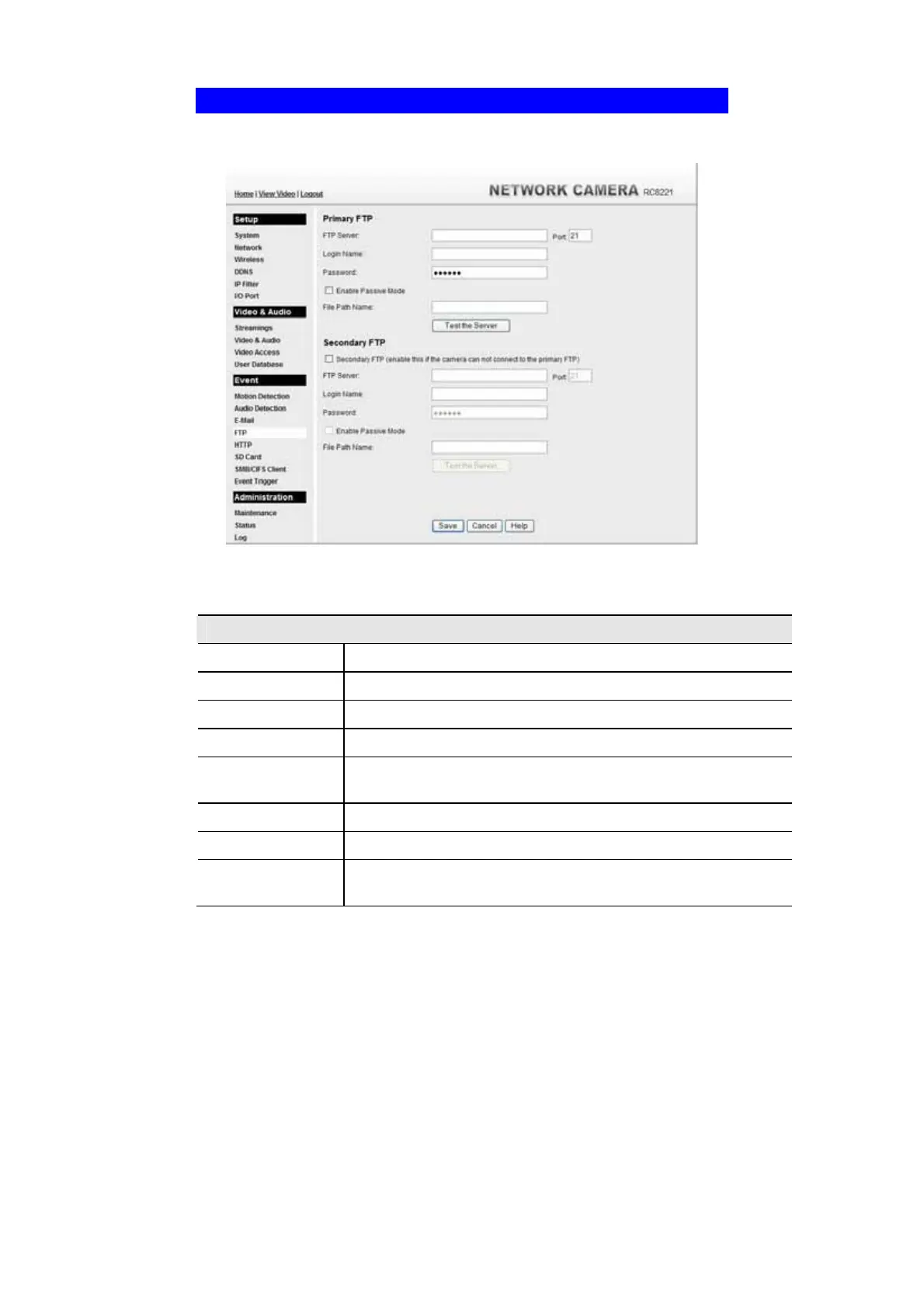
FTP Screen
This screen is displayed when the FTP option on the Event menu is clicked.
Figure 40: FTP Screen
Data - FTP Screen
Primary/Secondary FTP
FTP Server
Enter the address of the FTP Server.
Port
Enter the Port of the FTP Server to be connected.
Login name
Enter your login name for the FTP Server.
Password
Enter your password for the FTP Server.
Enable Passive
Mode
Check the box to enable the Passive mode feature of the FTP.
File Path Name
Enter the file path/name of the FTP.
Test the Server
Click this button to test the server connection.
Secondary FTP
Check the box to upload to the Secondary FTP if the camera can not
connect to the primary FTP.



 To Next Page