29
Welcome Screen
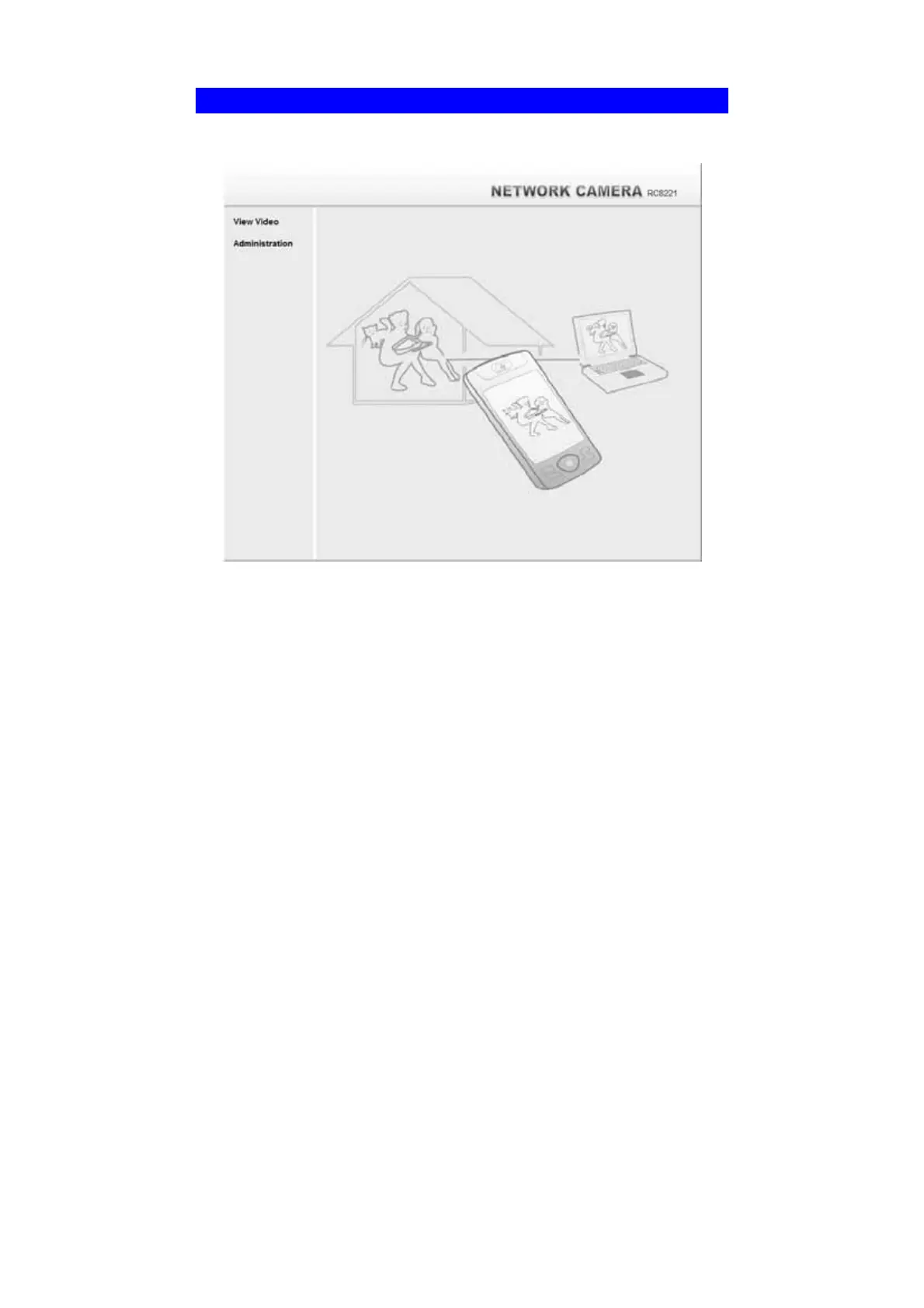
When you connect, the following screen will be displayed.
Figure 26: Welcome Screen
The menu options available from this screen are:
• View Video - View live Video using your Web Browser. See Chapter 3 -
Viewing Live Video for details.
• Administration - Access the Administration menu.



 To Next Page