51
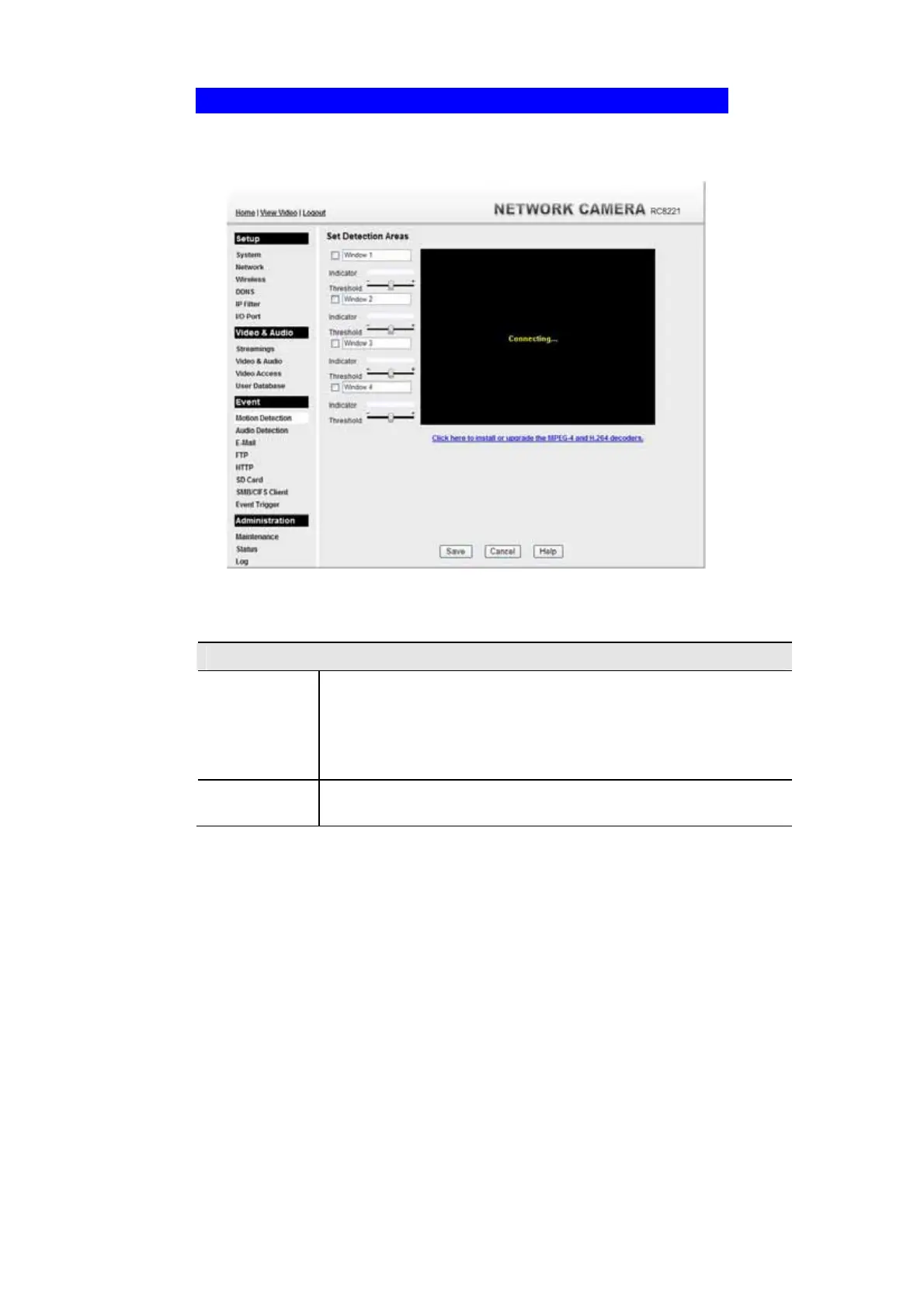
Motion Detection Screen
This screen is displayed when the Motion Detection option on the Event menu is
clicked.
.
Figure 37: Motion Detection Screen
Data - Motion Detection Screen
Motion Detection
Set Detection
Areas
You can set the full screen or selected areas of the video image to be
examined.
Note: Motion detection can be triggered by rapid changes in lighting
condition, as well as by moving objects. For this reason, it should only
be used indoors.
Indicator/
Threshold
Administrator needs to adjust the relation between indicator and
threshold for each area.



 To Next Page