68
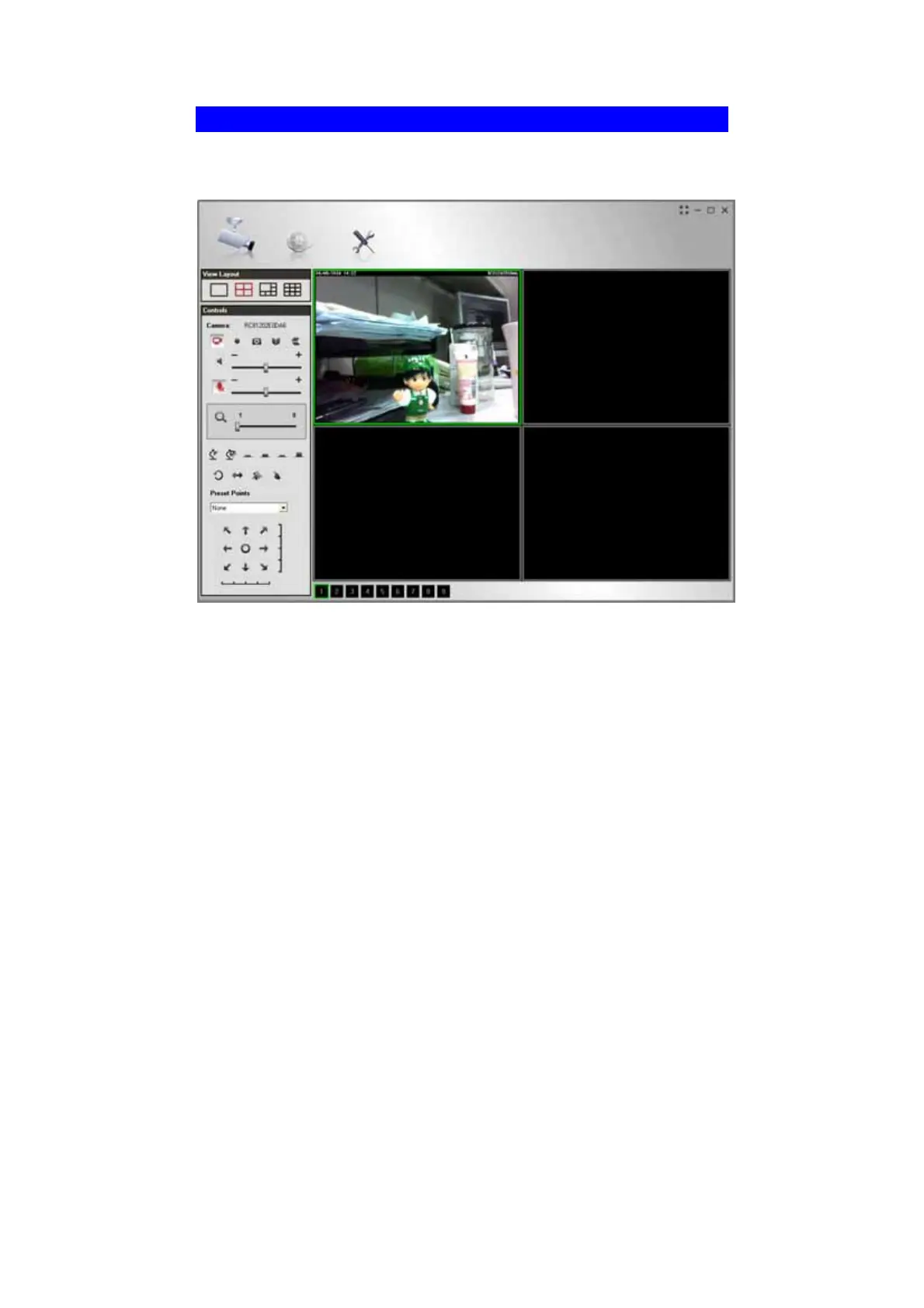
LiveView Screen
When Utility launched, the Camera Utility screen like the example below will be
displayed.
Figure 50: Main Screen
If no cameras have been defined and added to the Utilities, no video will be
displayed. Utilities should be configured first to view the camera streams. See the
following section for information on defining a camera. Note that each Camera is
given a number (Channel Number).



 To Next Page