9
Setup using the Windows Wizard
Initial setup should be performed using the supplied Windows-based setup Wizard.
This program can locate the Network Camera even if its IP address is invalid for
your network. You can then configure the Network Camera with appropriate TCP/IP
settings for your LAN.
Subsequent administration can be performed with your Web browser, as explained
in Chapter 5 - Web-based Management.
Setup Procedure
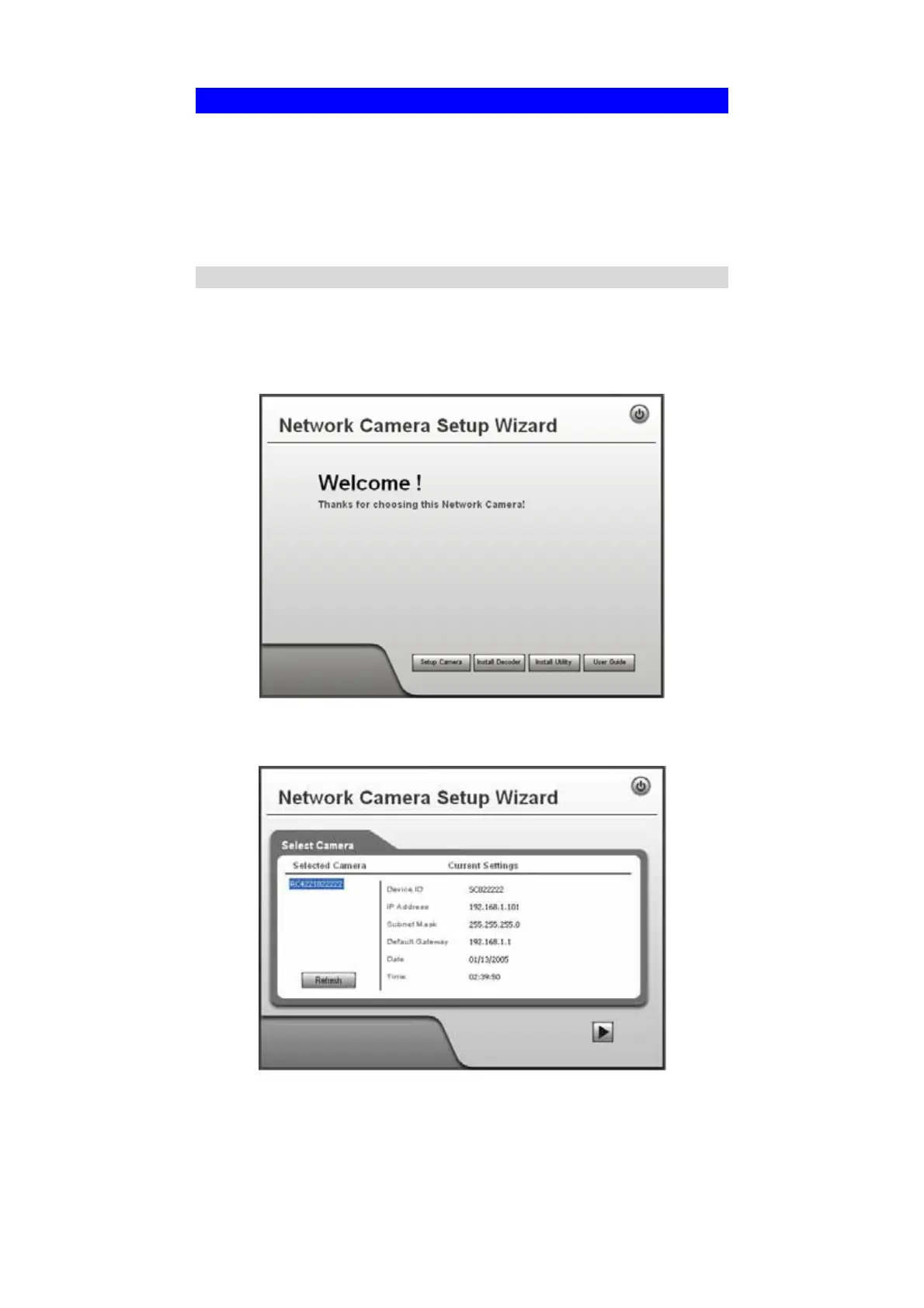
1. Insert the supplied CD-ROM into your drive. If the setup program does not start
automatically, run NetworkCamera.exe in the root folder.
• You will see the Welcome screen shown below.
• Click the Setup Camera button to start the setup Wizard
Figure 4: Welcome Screen
2. The next screen, shown below, will list all the Network Cameras on your LAN.
Figure 5: Camera List Screen



 To Next Page