58
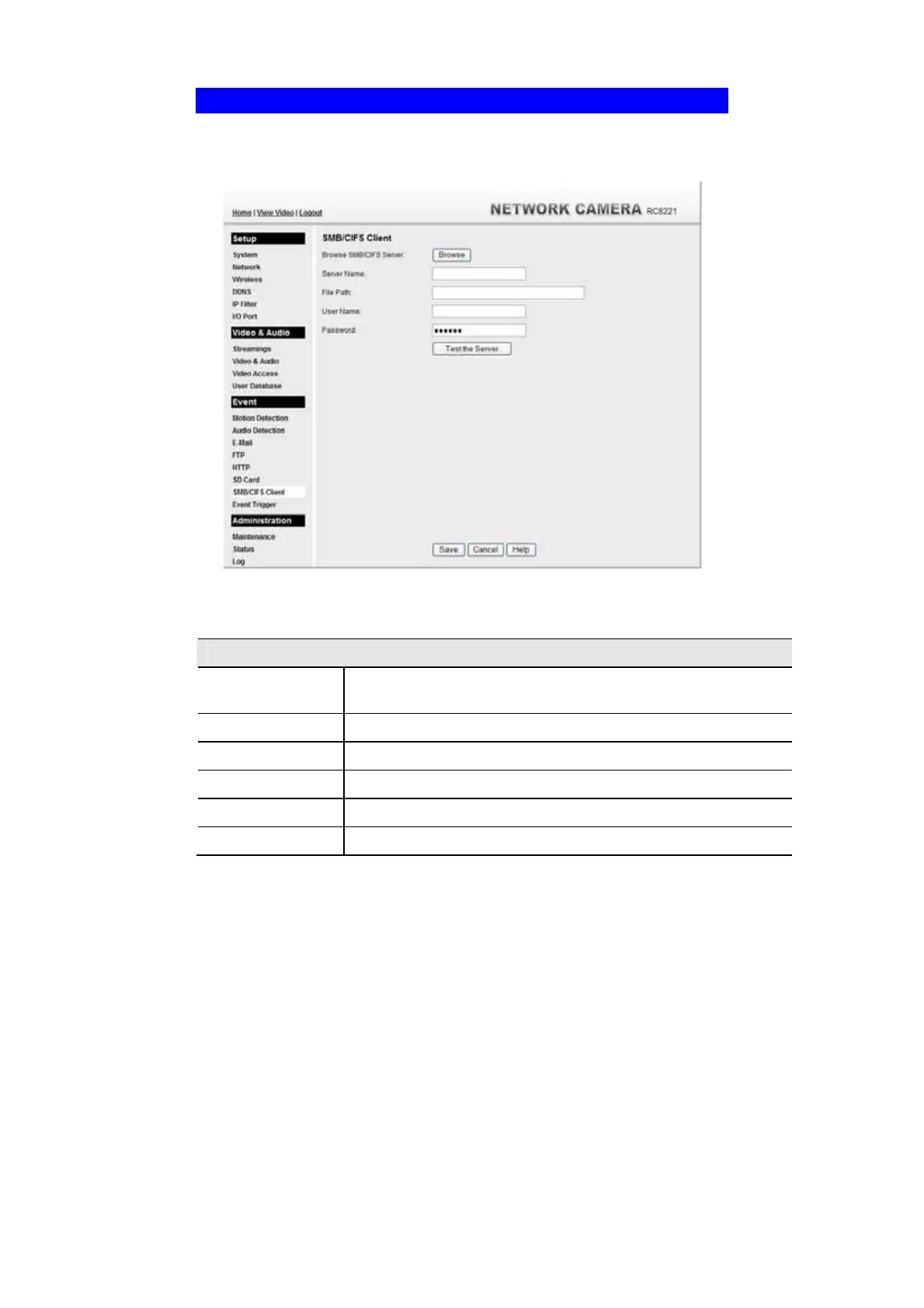
SMB/CIFS Client Screen
This screen is displayed when the SMB/CIFS Client option on the Event menu is
clicked.
Figure 43: SMB/CIFS Client Screen
Data - SMB/CIFS Client Screen
SMB/CIFS Client
Browse SMB/CIFS
Server
Click Browse button to select the desired SMB/CIFS server.
Server Name
Enter the name of your SMB/CIFS server.
File Path
Enter the file path of your SMB/CIFS server.
User Name
Enter the user name for the SMB/CIFS client account.
Password
Enter the password for the SMB/CIFS client account.
Test the Server
Click this button to test the server connection.



 To Next Page