Calibrator Calibrator/Security Levels
______________________________________________________________________________
MillipaK 4QPM Controller Manual Page 13 13/08/03
Calibrator Security Levels
Which personalities and status items which can be viewed on the Calibrator is restricted using
passwords. There are three levels of Calibrator access. These are shown in Table 1.
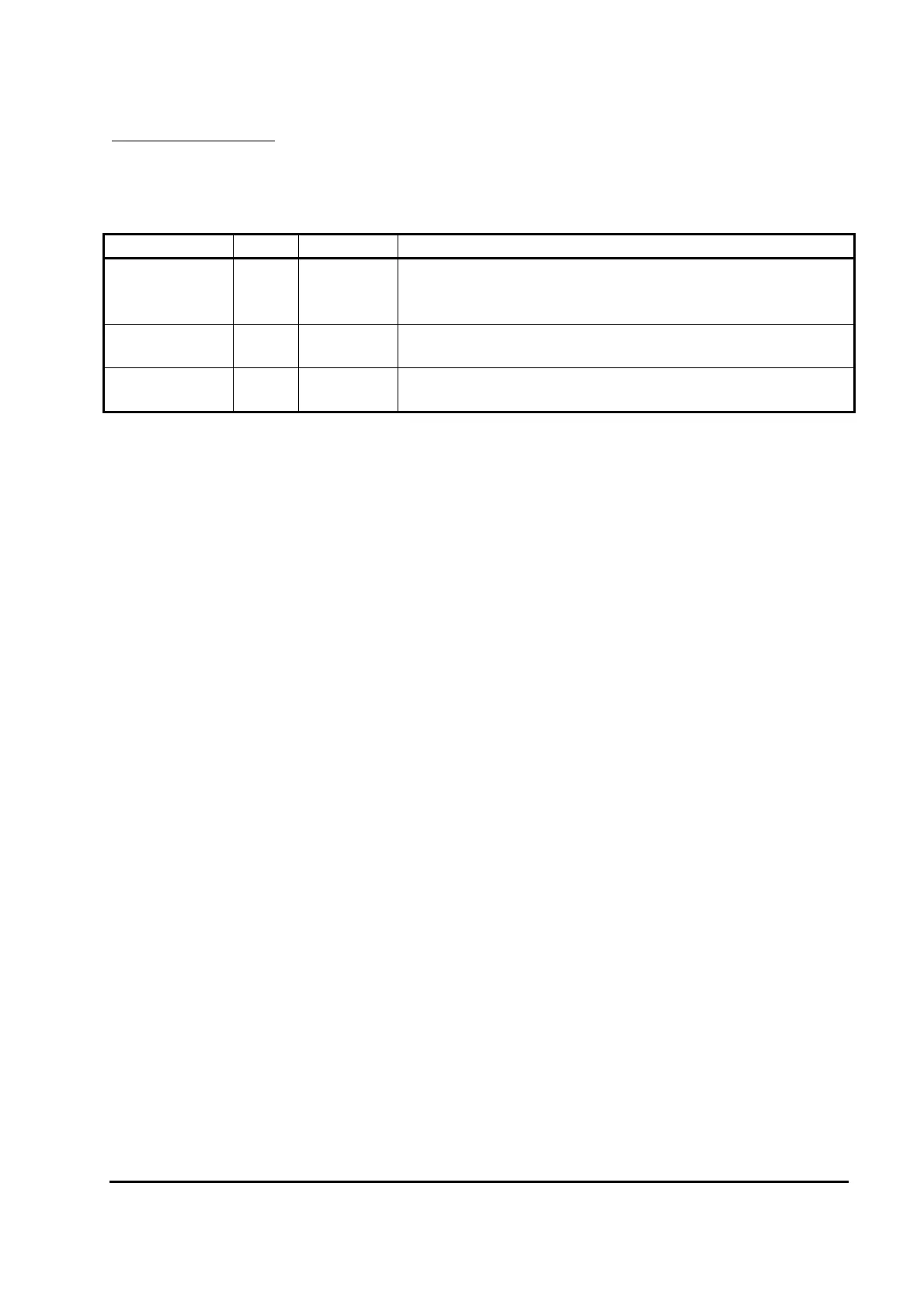
Access Level Text Password Description
Service Ser -
Default. This level is selected when no password or an
invalid password is entered. Only items shown in the
Calibrator Map with a thick solid border are displayed.
Engineering Eng 1645
All items, except those in the Setup menu, can be
displayed.
All Adjust All
Contact
SEVCON
All items are be displayed, regardless of configuration.
Table 1: Calibrator Security Levels
Note, for Service and Engineering security levels only items appropriate to the current system
configuration are displayed. For example, if none of the switch inputs are configured as a Cutback
1 Speed Switch, then the Cutback 1 Speed personality will not be displayed.
The All Adjust security level allows access to all personalities, including those not required by the
current configuration. The items in the Setup menu can only be accessed at this security level.
The password can only be entered just after power up when the Traction Drive Hours Counter is
displayed. The '+' and '-' buttons are used to enter the password. The first digit is entered by
pressing the '+' button the appropriate number of times (i.e. once to enter 1). The second digit is
entered by pressing the '-' button the appropriate number of times (i.e. 6 times to enter 6). The
third digit is entered using the '+' button again and the final digit is entered using the '-' button
again. Note that when the '+' or '-' buttons are pressed, the display still changes to show hours or
1000 x hours.
When the password has been completely entered press either the '+' button or the SELECT button
to initiate verification. If the password has been entered correctly, the text shown in Table 1
appropriate to the required level will be displayed for 1s indicating the password was accepted. If
the password was incorrect or no password was entered, the system always defaults to Service
mode.
After the Security Level has been displayed, the system enters the normal menu structure shown
in the Calibrator Map. To change the password level, you need to recycle the Keyswitch.


 To Next Page