Page 36 of 40
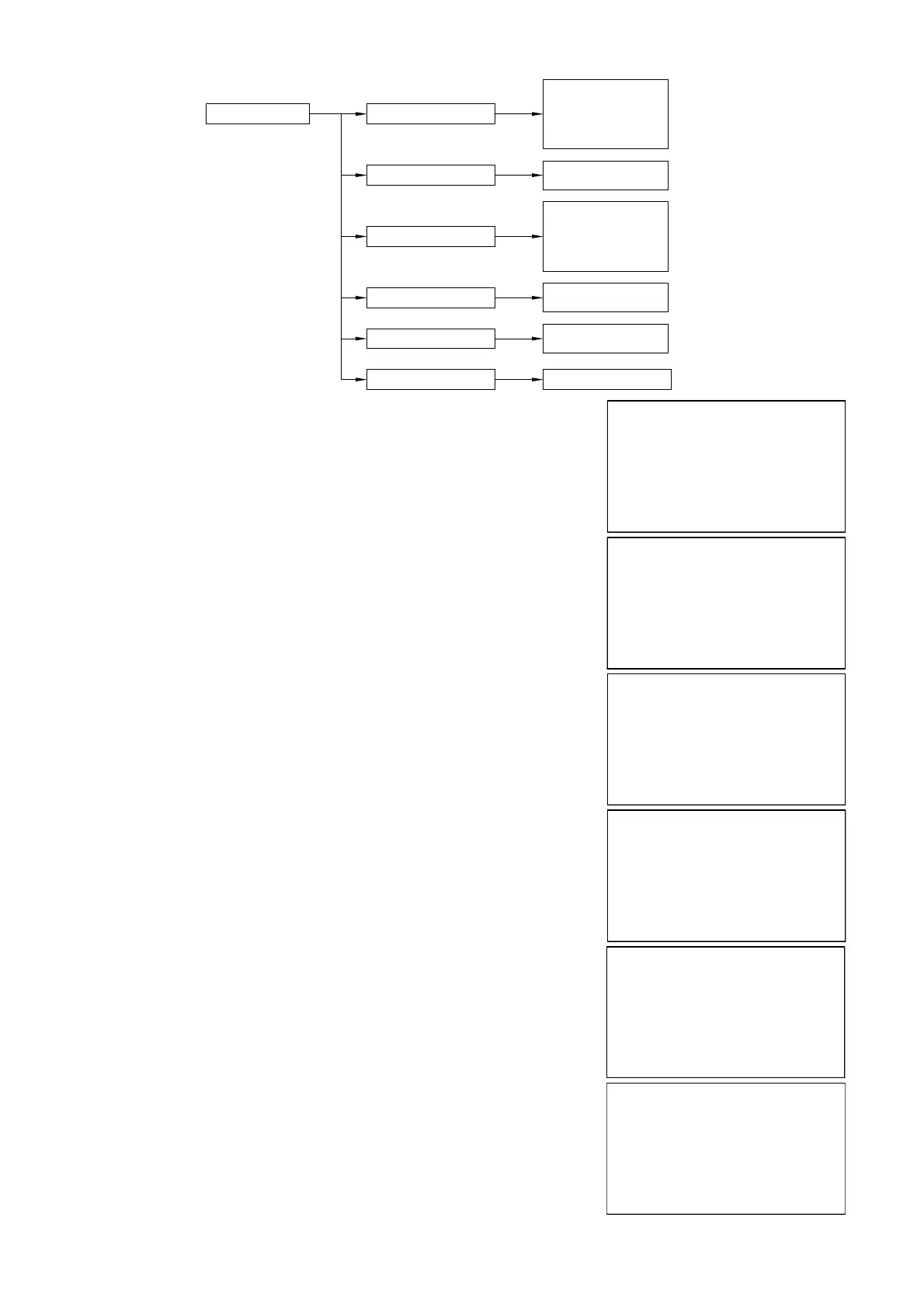
9.7 “SERVICE” menu
SERVICE OUTPUT SAFE MODE
SET UID
LANGUAGE
FREQUENCY
F_WINDOW
RESTORE SETTINGS
21.5 mA
3.85 mA
>HOLD LAST VALUE
SET UID
000
ENGLISH
>ITALIANO
FRANCAIS
FREQUENCY
00.0 kHz
F_WINDOW
00
OK TO CONFIRM
METER - advanced confi guration
9.8 - SERVICE
From “RUN” mode, holding down UP ARROW, press ENTER to access
Position the cursor on SERVICE and press ENTER
Select the parameters by moving the cursor with SCROLL and confi rm with
ENTER
OUTPUT SAFE MODE
SET UID
LANGUAGE
FREQUENCY
F_WINDOW
RESTORE SETTING
►
SETUP
DISPLAY
DIAGNOSTIC
SERVICE
INFO
►
9.8.1 - OUTPUT SAFE MODE
Position the cursor on OUTPUT SAFE MODE, press ENTER to access.
It’s possible to choose a analog output value during diagnostic errors.
“21.5 mA” forces the current output to 21,5mA
“3.85 mA” forces the current output to 3,85mA
”HOLD LAST VALUE” maintains the output at the last valid value.
With the SCROLL button you can select the operation mode.
Press ENTER to confi rm.
LEFT ARROW to exit without changes
Default value: HOLD LAST VALUE
OUTPUT SAFE MODE
SET UID
LANGUAGE
FREQUENCY
F_WINDOW
RESTORE SETTING
►
21.5 mA
3.85 mA
HOLD LAST VALUE
►
9.8.2 - SET UID
Position the cursor on SET UID, press ENTER to access.
Can assign the address UID in this parameter, for a MUDBUS RTU
network.
Use UP ARROW and SCROLL to modify the value.
Press ENTER to confi rm.
LEFT ARROW to exit without changes
Default value 001
OUTPUT SAFE MODE
SET UID
LANGUAGE
FREQUENCY
F_WINDOW
RESTORE SETTING
►
001
SET UID


 To Next Page