2.PRINT
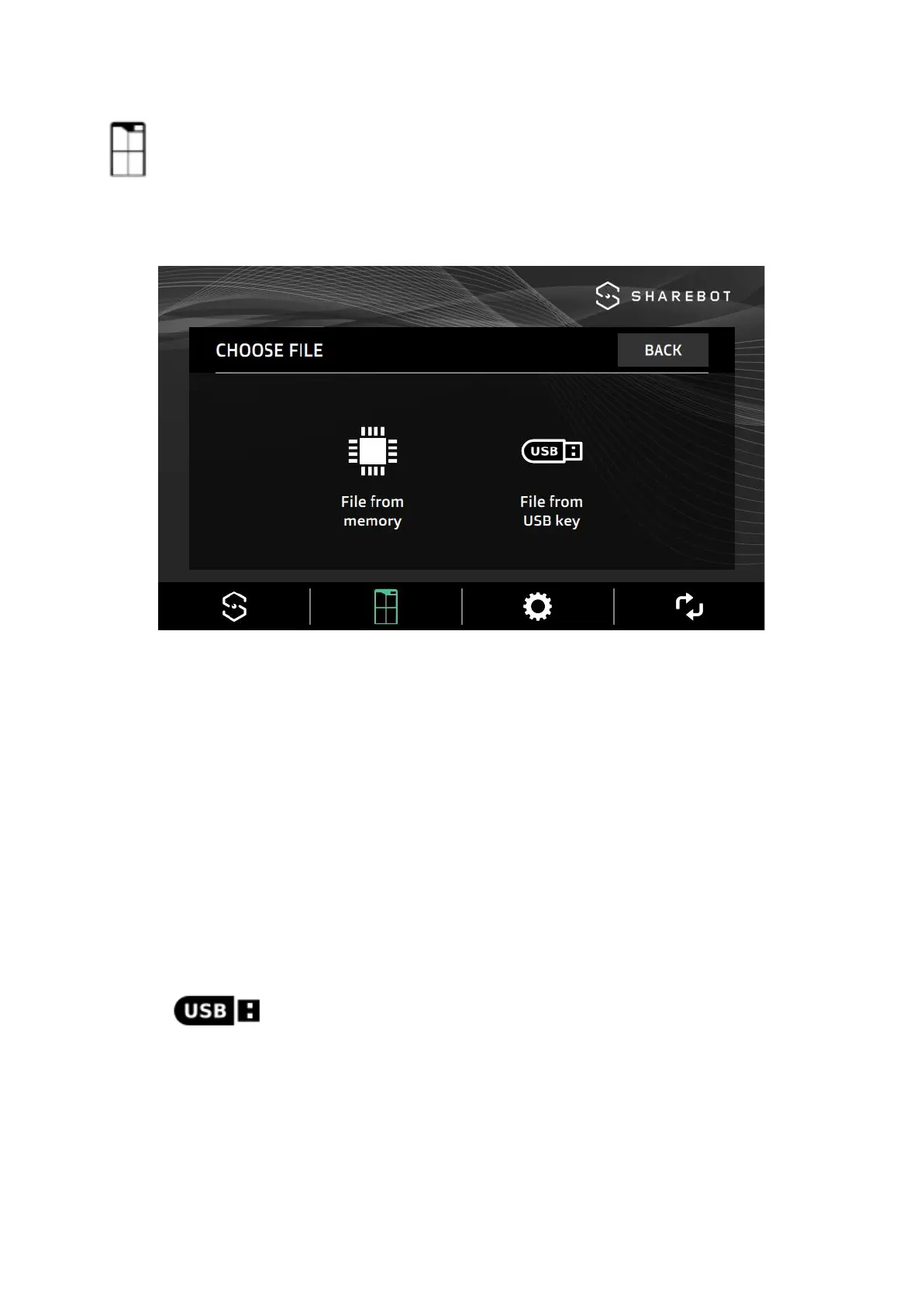
This menu contains all the commands to select the .*gcode file and to print it.
Selecting the printing file
The machine shows only files with the .*gcode extension (* .gcode, * .gco).
The Gcode file contains instructions to move machine axes, extruder and other printing
parameters.
To generate a Gcode file, it is necessary to previously create a three-dimensional model,
save it as a mesh (STL, OBJ) and slice it with a slicing software (Simplify3D).
File from USB key
To load a printing file in Sharebot Q Dual, you can use the
USB port on the front of the machine.
Use the supplied USB flash memory stick, insert it into the USB
port on the machine front and follow the on-screen procedure.
Note: wait a few seconds after inserting the USB dongle before
pressing the button.
After start-up, when the temperature target parameters are
visualized on the display, the USB stick can be removed
without interrupting the printing process.
16


 To Next Page