EN-8
EN
In this example, the clock is set for the 24-hour (0:00 - 23:59)
display.
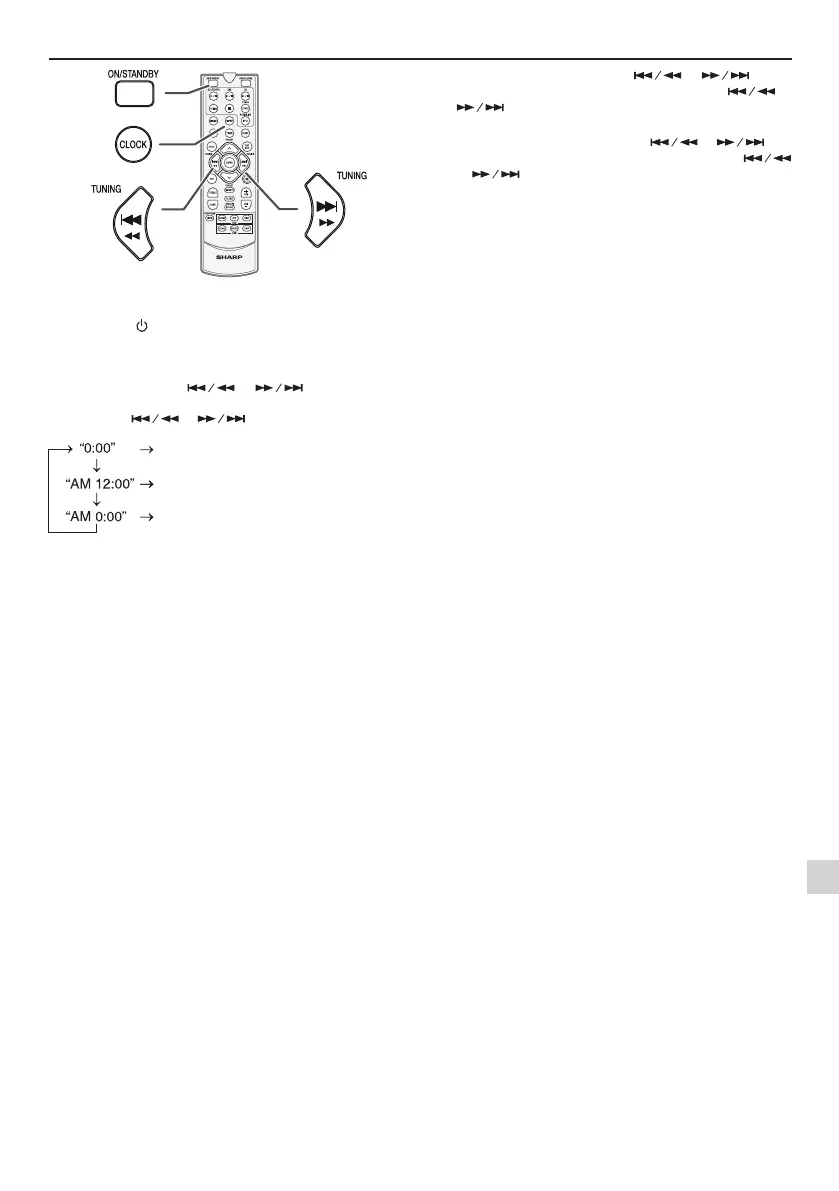
1 Press the
(ON/STANDBY)
button to turn the power
on.
2 Press the CLOCK button.
3 Within 10 seconds, press the ENTER button. To adjust
the day, press the or button and then
press the ENTER button.
4 Press the or button to select 24-hour or
12-hour display and then press the ENTER button.
The 24-hour display will appear.
(0:00 - 23:59)
The 12-hour display will appear.
(AM 12:00 - PM 11:59)
The 12-hour display will appear.
(AM 0:00 - PM 11:59)
5 To adjust the hour, press the or button
and then press the ENTER button. Press the
or
button once to advance the time by 1 hour. Hold
it down to advance continuously.
6 To adjust the minutes, press the or but-
ton and then press the ENTER button. Press the
or
button once to advance the time by 1 minute.
Hold it down to advance the time by 5 minutes interval.
To conrm the time display:
Press the CLOCK button. The time display will appear for
about 10 seconds.
Note:
When power supply is restored after unit is plugged in again
or after a power failure, reset the clock.
To readjust the clock:
Perform “Setting the clock” from step 1.
To change the 24-hour or 12-hour display:
1 Clear all the programmed contents. [Refer to “Factory
reset, clearing all memory” on page 21 for details.]
2 Perform “Setting the clock” from step 1 onwards.
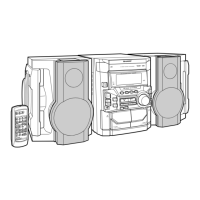
Setting the clock (Remote control only)
XL-BB20D_OM_EN_DE_ES_FR_IT_PL.indb 8 2018-01-25 10:09:52


 To Next Page