86(108)
pipeline connection)
3) Open all the globa valves.
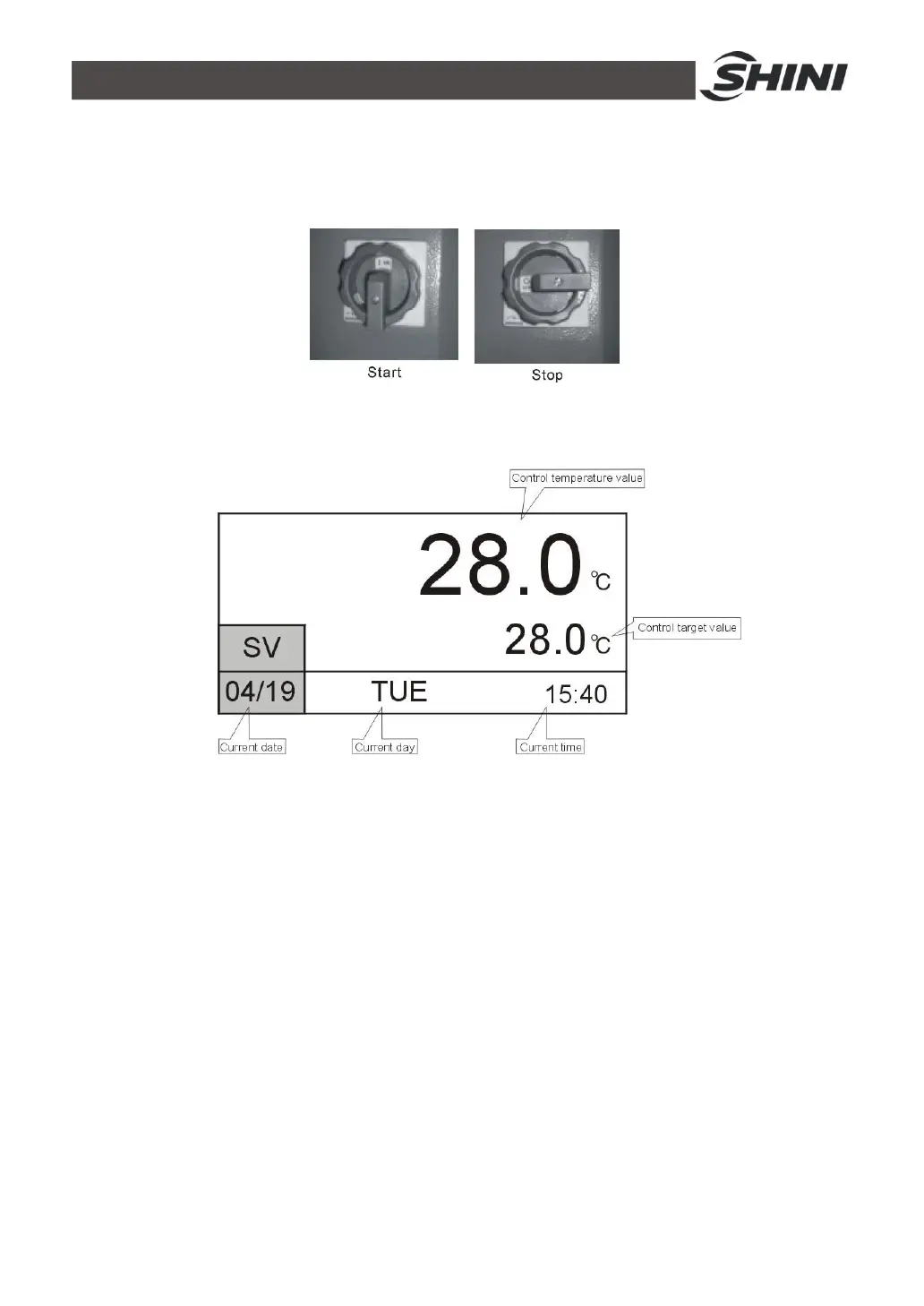
4) Switch on main power.
Picture 4-3: Main Power Switch
5) Press ON/OFF POWER key to enter menu screen.
Picture 4-4: Initial Menu
6) Press MENU key to enter menu selection, press ◄/► keys to select control
setting, press SET key to enter setting nemu, see picture below. Parameter
setting is based on AT auto-tuning. Never change it privately.



 To Next Page