- 56 -
7.1.3 PID Setting Mode
To enter PID setting mode, press and hold the and keys (in that order)
together for 3 seconds in PV/SV Display Mode.
If PID zone function “Used” is selected, settable PID zone parameters depends on
the SV.
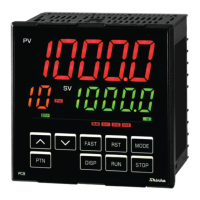
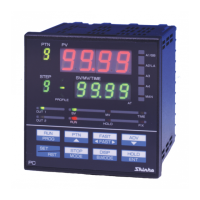
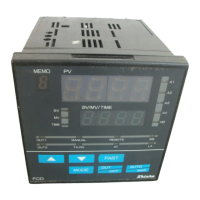
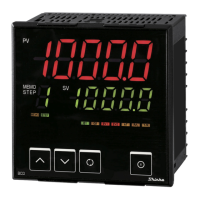
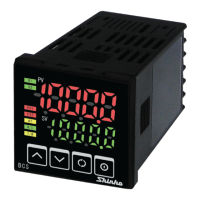
PID zone numbers are indicated on the MEMO/STEP Display.
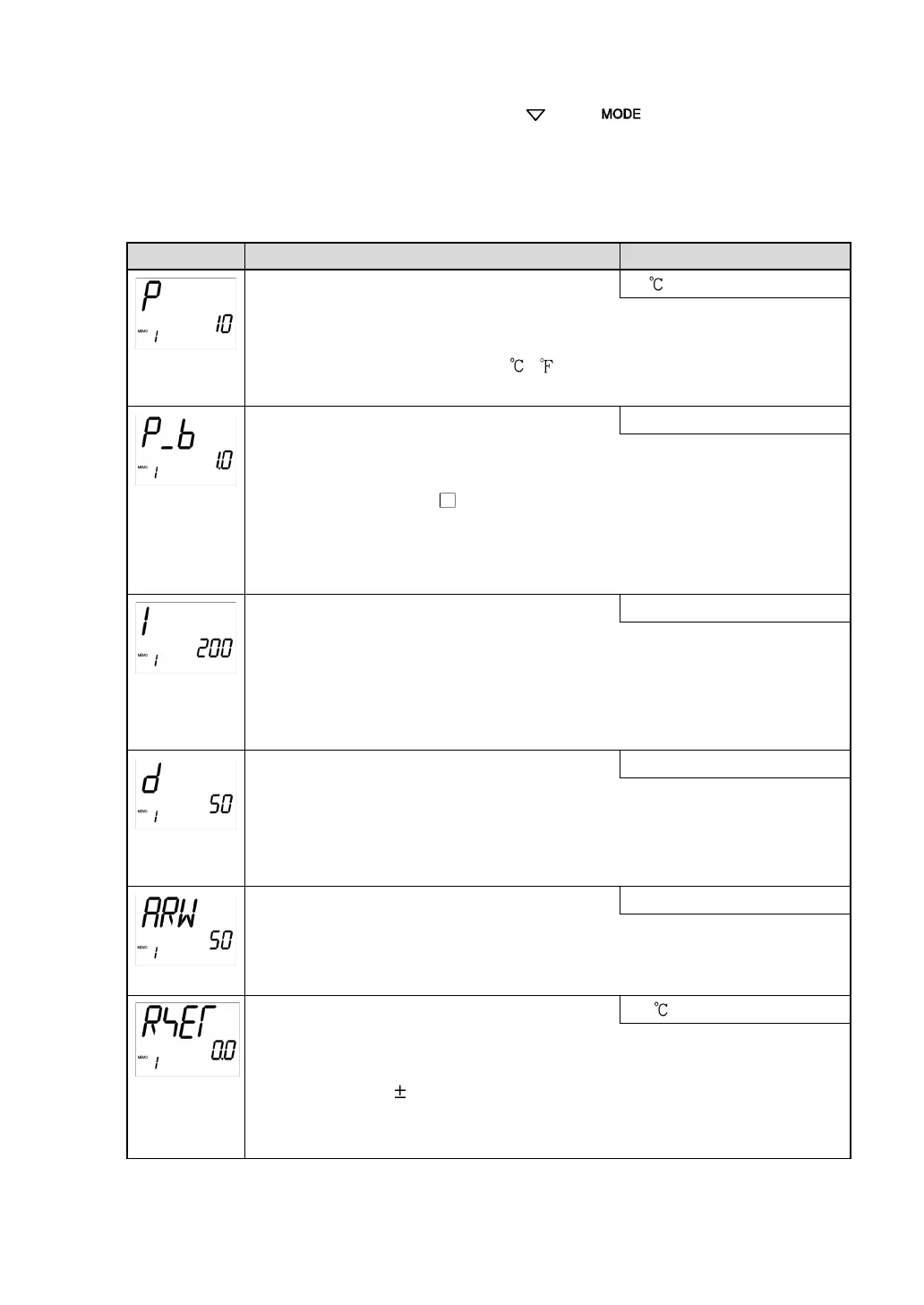
Setting Item, Function, Setting Range
• Sets the proportional band for OUT1.
OUT1 becomes ON/OFF control when set to 0 or 0.0.
•
Setting range: 0 to Input span ( )
(DC voltage, current inputs: 0.0 to 1000.0%)
• Sets the proportional band for OUT2.
OUT2 becomes ON/OFF control when set to 0.0.
Available when the D
option is ordered.
Not available if OUT1 is in ON/OFF control.
• Setting range: 0.0 to 10.0 times (Multiplied value of OUT1
• Sets integral time for OUT1.
Setting the value to 0 disables this function.
Not available if OUT1 is in ON/OFF control.
Auto-reset can be performed when PD is control action (I=0).
• Setting range: 0 to 3600 seconds
• Sets derivative time for OUT1.
Setting the value to 0 disables this function.
Not available if OUT1 is in ON/OFF control.
• Setting range: 0 to 1800 seconds
• Sets anti-reset windup (ARW) for OUT1.
Available only when PID is control action.
• Setting range: 0 to 100%
• Sets the reset value manually.
Available only when P or PD is control action.
• Setting range:
1000.0
DC voltage, current inputs: The placement of the decimal point



 To Next Page