SBG 00185 Copyright 2015 13
Quick-Start Guide for PRSalpha and PRSstandard tools
Test the spindle/router
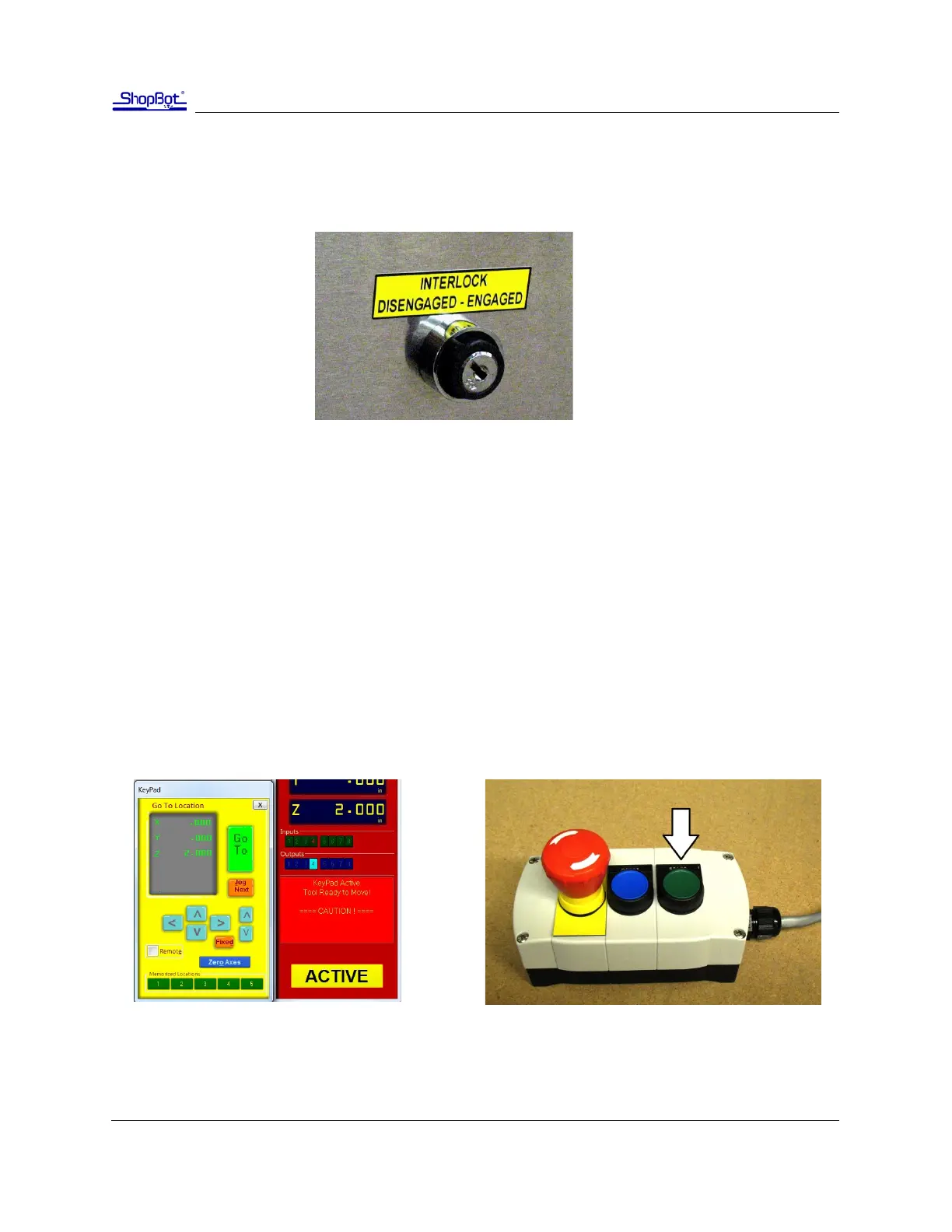
Locate the key aached to the collet wrench. Insert this key into the safety lockout next to the power
switch and turn the key to “ENGAGE”.
Note: Older Desktop tools do not have an interlock switch. Instead, they have an on/o switch on
the underside of the VFD unit. It is illuminated red when o and green when on.
Routers: Make sure that the router’s power switch is in the ON posion before proceeding.
In the main console window, type “K” to bring up the keypad move command. Noce that output 4
lights up in the red posion window. Click output 1 to turn the output on. This will create a prompt to
start the router/spindle.
For PRSstandard models, press “OK” to start the router/spindle.
For PRSalpha models, aer toggling output 1, press the green “START” buon on the three buon
pendant.
To turn the spindle o, click the output 1 switch again or close the keypad window.
All models: turn on output 1 through keypad Alpha models only: press the start buon



 To Next Page