SBG 00185 Copyright 2015 8
Quick-Start Guide for PRSalpha and PRSstandard tools
This secon contains the installaon of soware and seng up the machine. It also explains funda-
mentals of the control soware; including basic commands, axis orientaon, and various components
(motors, spindle, etc.) outside of a part le.
Load soware and drivers
NOTE: Do not connect the ShopBot to your computer before installing the soware and drivers!
Special note for schools and large companies: ShopBot soware runs best with full administrave
permissions enabled. We strongly advise against seng up separate admin and user accounts on the
control computer.
For Internaonal customers: The computer used to run the machine MUST have the language set to
“United States (English)” in order for the soware to run correctly.
Installing ShopBot applicaons
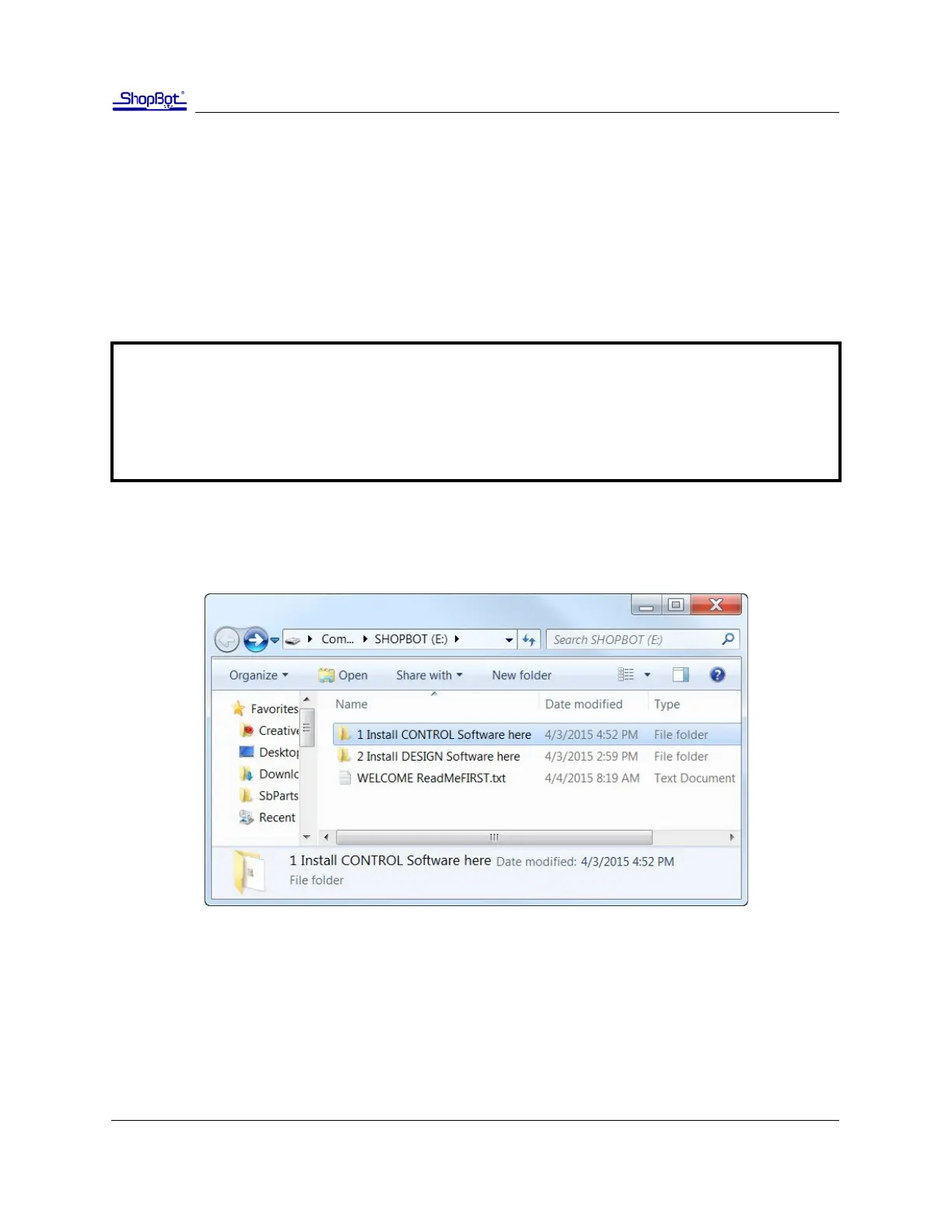
1. Insert USB drive into USB port in computer.
2. Double-click on folder to view les.
3. Double-click on the folder called “1 Install Controller”. Double-click on “setup_sb3_8_32” and fol-
low the prompts for the setup wizard. Click “Finished” when completed.
Installing VCarve Pro applicaon
Double-click on the folder called “2 Install Design”. Double-click on “VcarveProShopBotEdion” and
follow the prompts for the setup wizard. Click “Finished” when completed.
Secon 1. Soware Setup and Orientaon



 To Next Page