SBG 00185 Copyright 2015 24
Quick-Start Guide for PRSalpha and PRSstandard tools
Switch from inches to millimeters
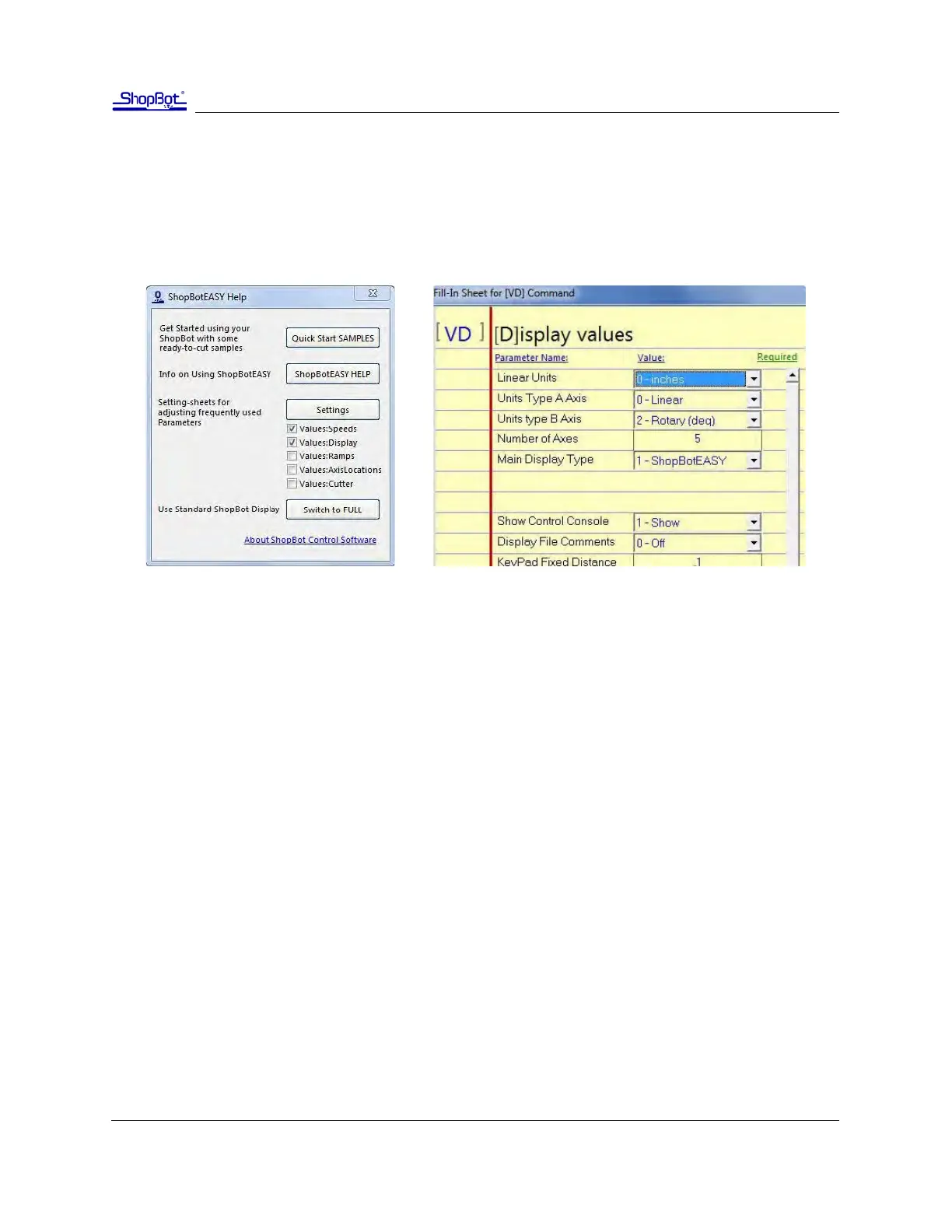
To work in metric units, click the help (blue queson mark) buon in the red posion window, and
choose the “Sengs” buon from the window that appears (below le). This brings up the window
below right. Change the rst eld from inches to millimeters, and click OK at the boom right corner of
the window to save the change.



 To Next Page