10
Answering Calls
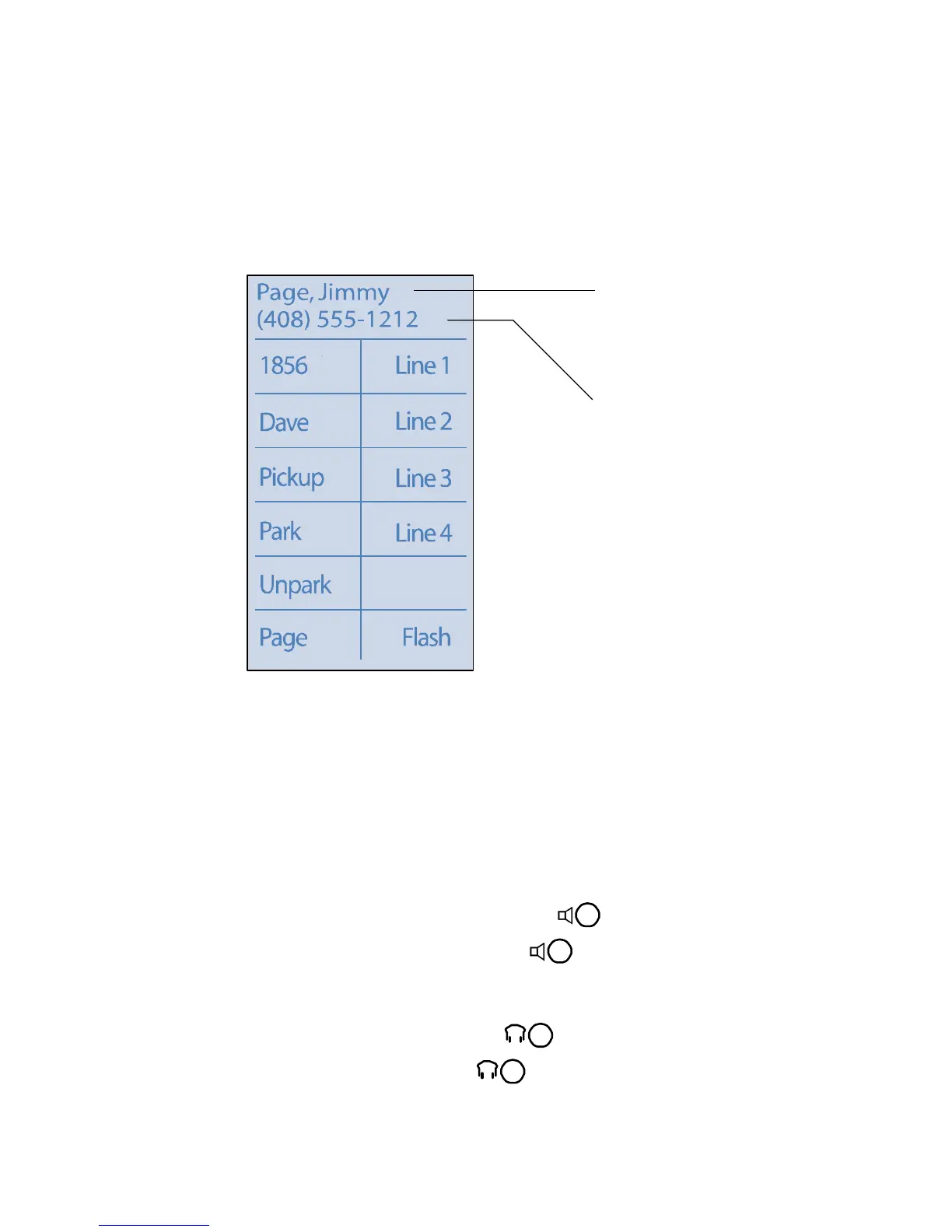
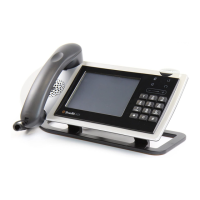
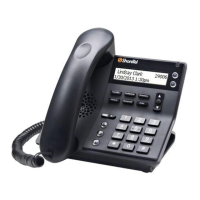
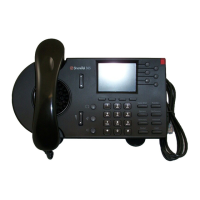
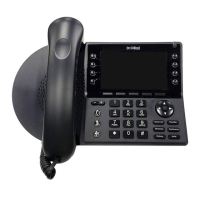
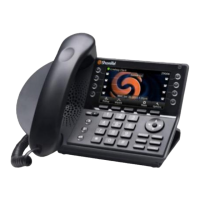
Ring tones and the flashing red LED light in the top right corner of your
phone identify an incoming call. A double ring signifies an internal call while
a single ring indicates an external caller. The caller’s name and number may
appear on your display if the information is available.
To answer the call, do one of the following:
Using the Handset
To answer a call, pick up the handset when the phone rings.
To end a call, hang up the handset.
Using the Speakerphone
To answer a call, press the Speakerphone button . The LED lights green.
To end a call, press the Speakerphone button again.
Using the Headset
To answer a call, press the Headset button . The LED lights green.
To end a call, press the Headset button again.
Caller’s Name
(alternates with
Trunk Information
scrolled across
display)
Caller’s
Number
Inbound call: ShoreTel 212k



 To Next Page