6
Your Phone's Display
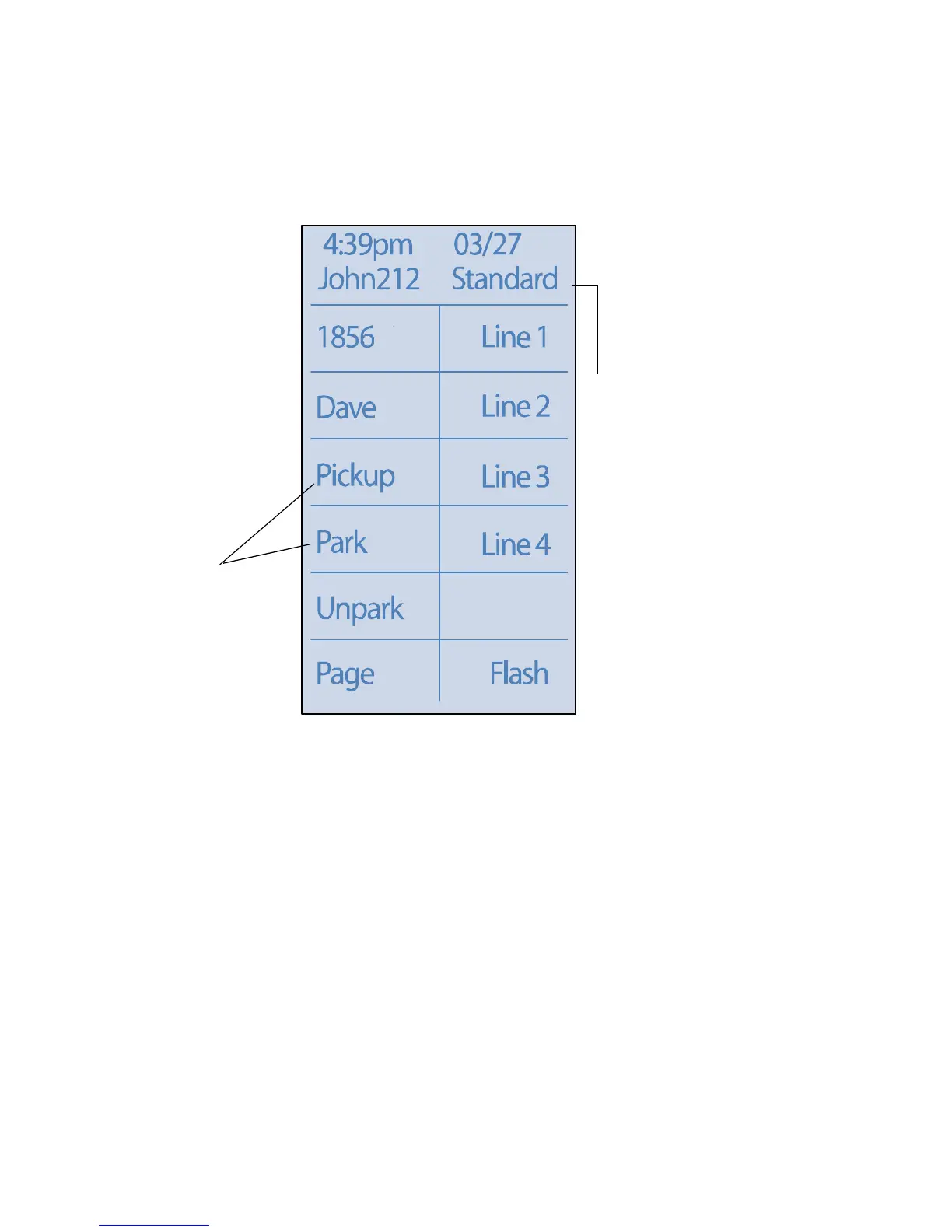
Your ShoreTel IP phone displays information about name and extension, call
handling mode, call lines, monitored extensions, calls, duration of call, voice
messages, date and time, soft key functions, and your phone’s operating status.
In the idle state, the first row of your phone displays the time and date. This
information scrolls to display the system name.
The second row displays the number of missed calls, voice messages and agent
state. This information scrolls to display the user's name and call handling
mode.
Custom
Key Labels
ShoreTel 212k Interface
Call
Handling
Mode



 To Next Page