7
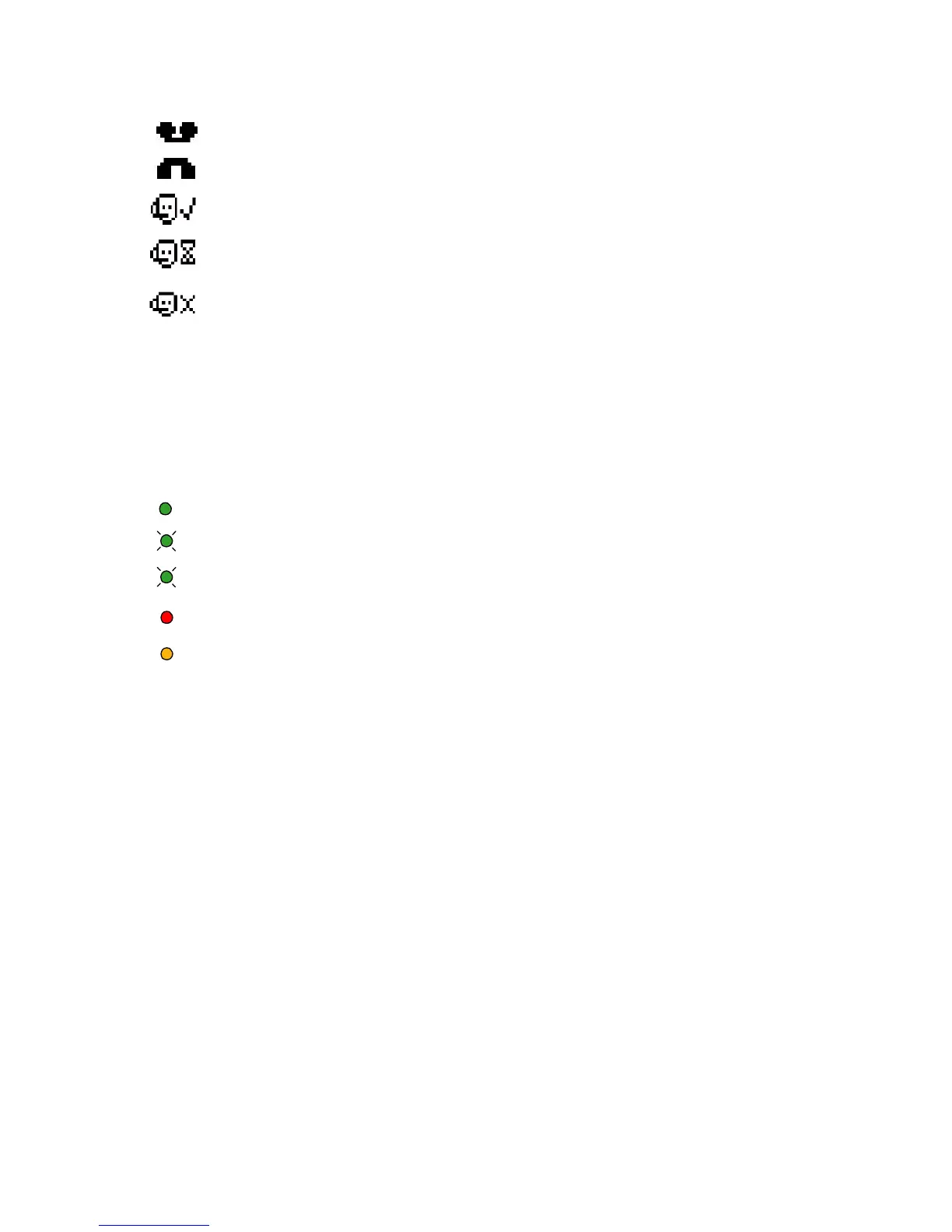
Guide to Status Icons
LED Color Guide for ShoreTel 212k Custom Buttons
Your ShoreTel 212k phone also provides color cues to help you determine the
operational status as follows:
Steady Green - in use by you
Blinking Green - (Fast) on hold or call parked
Blinking Green - (Slow) incoming call
Steady Red - in use by owner (applies to extension monitoring feature)
Steady Orange - extension's call handling mode is set to Do Not Disturb
mode (Call Forward Always), or if a monitored extension is set to Do Not
Disturb mode.
Unheard Voice Messages
Missed Calls
Logged Into Workgroup
Logged Into Workgroup
In Wrap-Up
Logged Out of Workgroup



 To Next Page