30
DIRECTORY
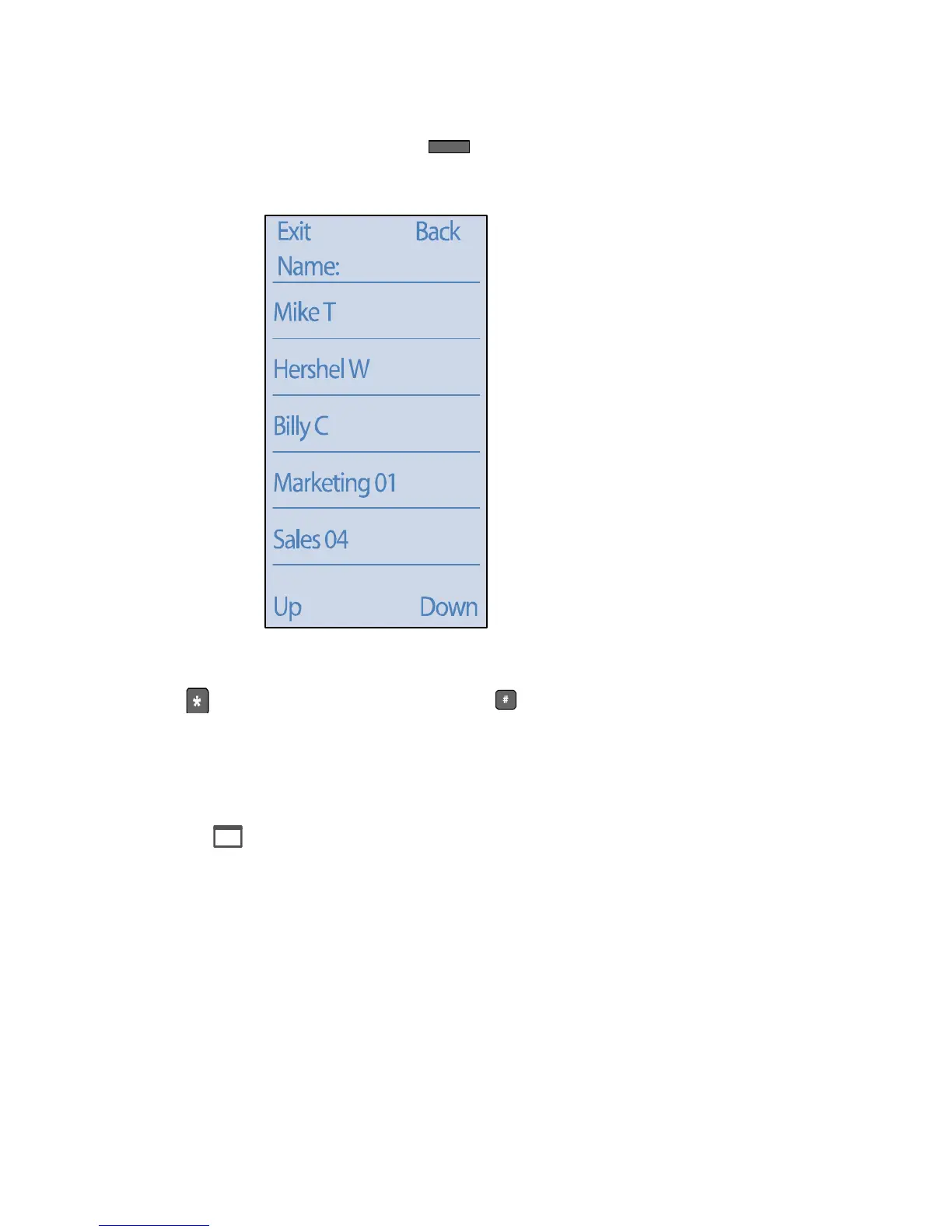
You can use the Directory to find internal extension numbers on your network
by pressing the Directory button , to display the following:
To limit the search results, start spelling the person’s name using the keypad.
Use to enter a wildcard character and to enter a space.
You can also press the custom buttons associated with the Up and Down soft
keys to scroll through dialed numbers, one page at a time.
When you have located the desired name or number, press the associated
custom button to dial the number. Alternately, you can press the Menu (Exit)
button to exit.
Director y
ShoreTel 212k Directory Interface



 To Next Page