9
MANAGING CALLS – BASIC FEATURES
Placing Calls
Using the Handset
To place an internal call, pick up the handset and enter the extension. To place
an external call, enter the trunk access code, then the phone number.
To end a call, hang up the handset.
Using the Speakerphone
To place an internal call, press the Speakerphone button and enter the
extension. To place an external call, enter the trunk access code, then the
phone number.
To end a call, press the Speakerphone button again.
Using the Headset
To place an internal call, press the Headset button and enter the
extension. To place an external call, enter the trunk access code, then the
phone number.
To end a call, press the Headset button again.
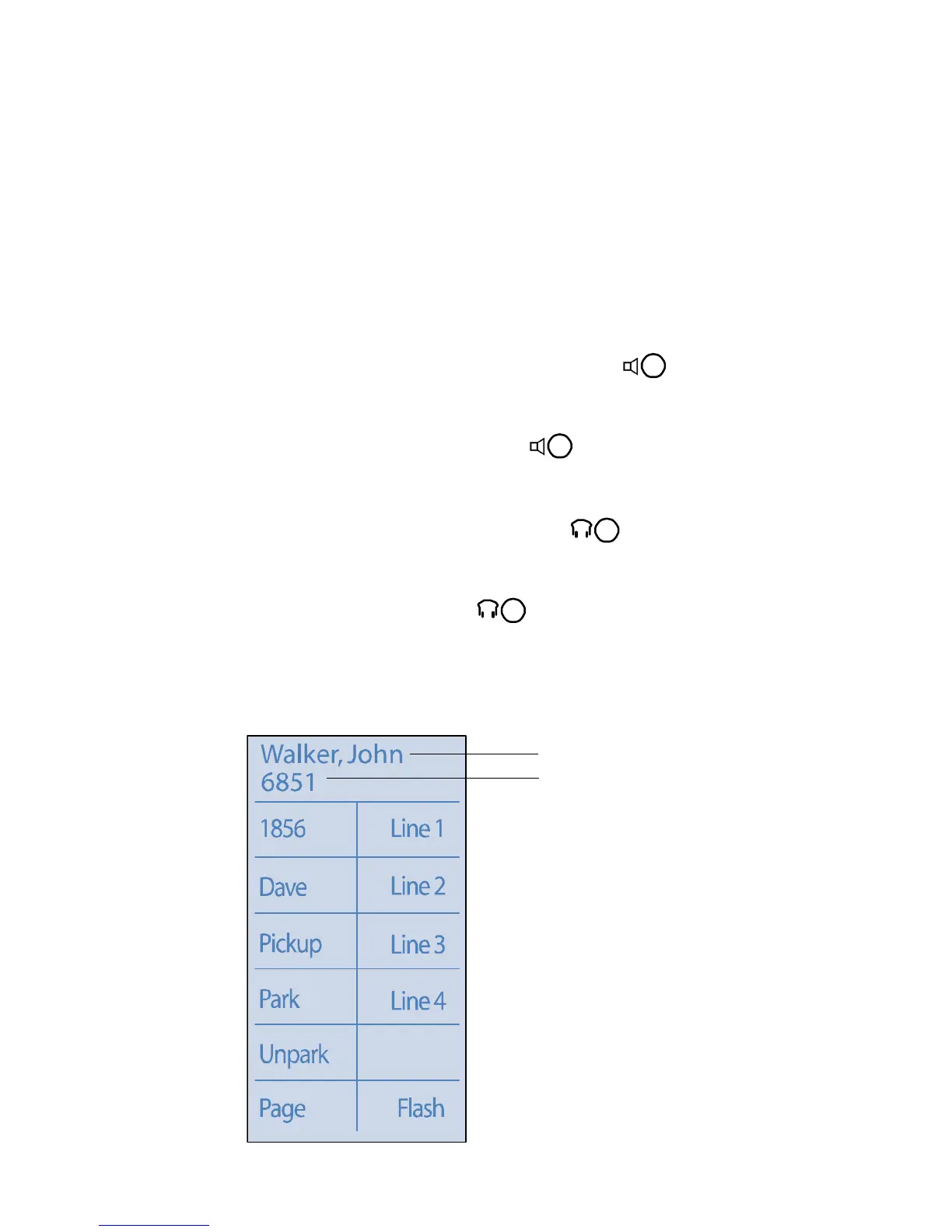
The figure below shows the information that appears on your ShoreTel 212k
IP phone when an outbound call is placed.
Outbound call: ShoreTel 212k
Call Recipient’s Extension
Call Recipient’s Name



 To Next Page