23
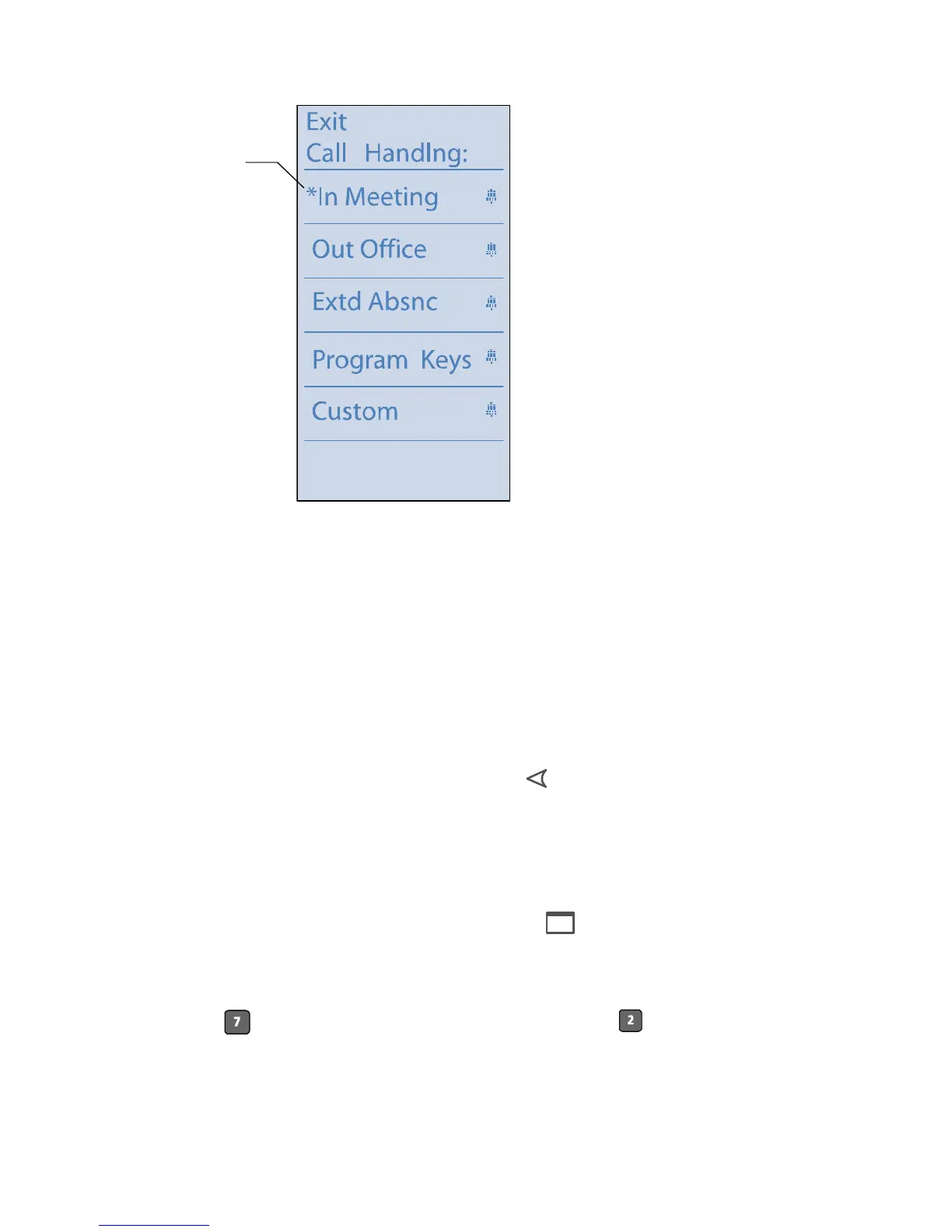
Step 2 Press the custom key to the left of Call Handling.
Step 3 Press the custom key to the left of the desired call handling
mode.
or
Change the Call Forward Always or No Answer destination
by doing the following:
a Press the custom button on the right.
b Press the Select button (Back) to backspace over the
current setting.
c Enter the new destination, followed by the custom
button associated with Enter.
Step 4 Press the Menu (Exit) button to exit.
Alternately, you can select a different mode by logging into voice mail and
pressing for Additional Options. Then, press option and follow the
prompts. See “Mailbox Options” on page -18 for more information.
Asterisk
indicates this
is currently
selected mode



 To Next Page