35
DIRECTORY
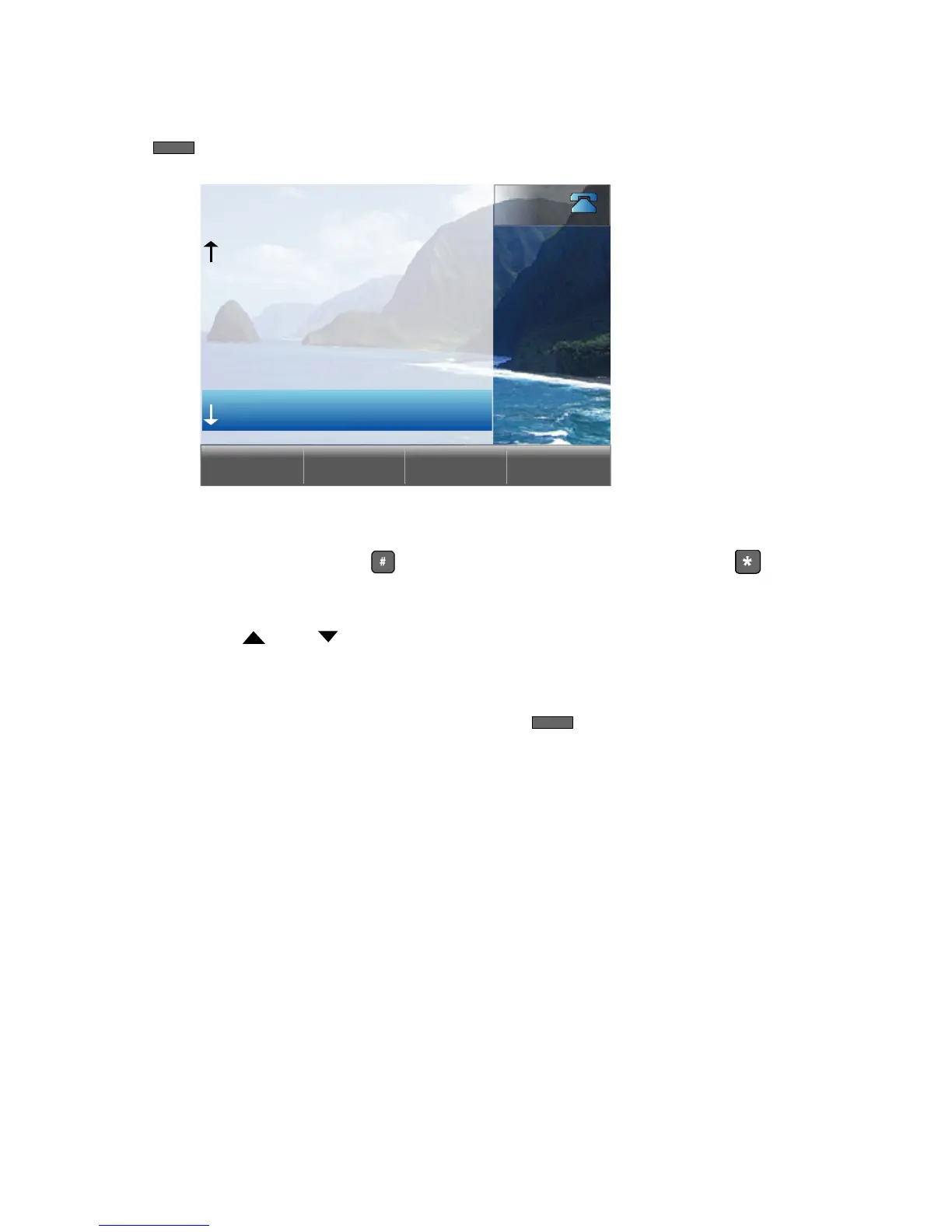
You can use the Directory to find phone numbers on your network by pressing
, then:
• Press the keys that correspond with the first few letters of the extension's
owner's first or last name to have the Directory narrow the number of
entries for you. Press for a space in a person's name and press for
any character. If you press an incorrect key, press the Back soft key to
delete the character.
• Press and on the Scroll button next to the display to select the
desired name. Press the Dial soft key to dial the number.
You can also use the Directory to make an Intercom call by pressing the
Intcom soft key on this screen, or when using on its own, and also when
using transfer, park, unpark, and conference. See those sections in this guide
for more information.
The Directory also lists any keypad speed dials you have configured in
ShoreWare Call Manager or ShoreWare Web Access when you press Speed soft
key. To dial a number from this screen, press and hold the corresponding
number on the keypad, or use the Scroll button to select an entry, then press
the Dial soft key.
Di rector y
153
Dial CancelSpeedIntcom
Name:
Andrea Dice
Alice Low
Andrew Absinthe
Amanda Kurle
Andy Meringue
Inte rco m



 To Next Page