6
Your Phone's Display
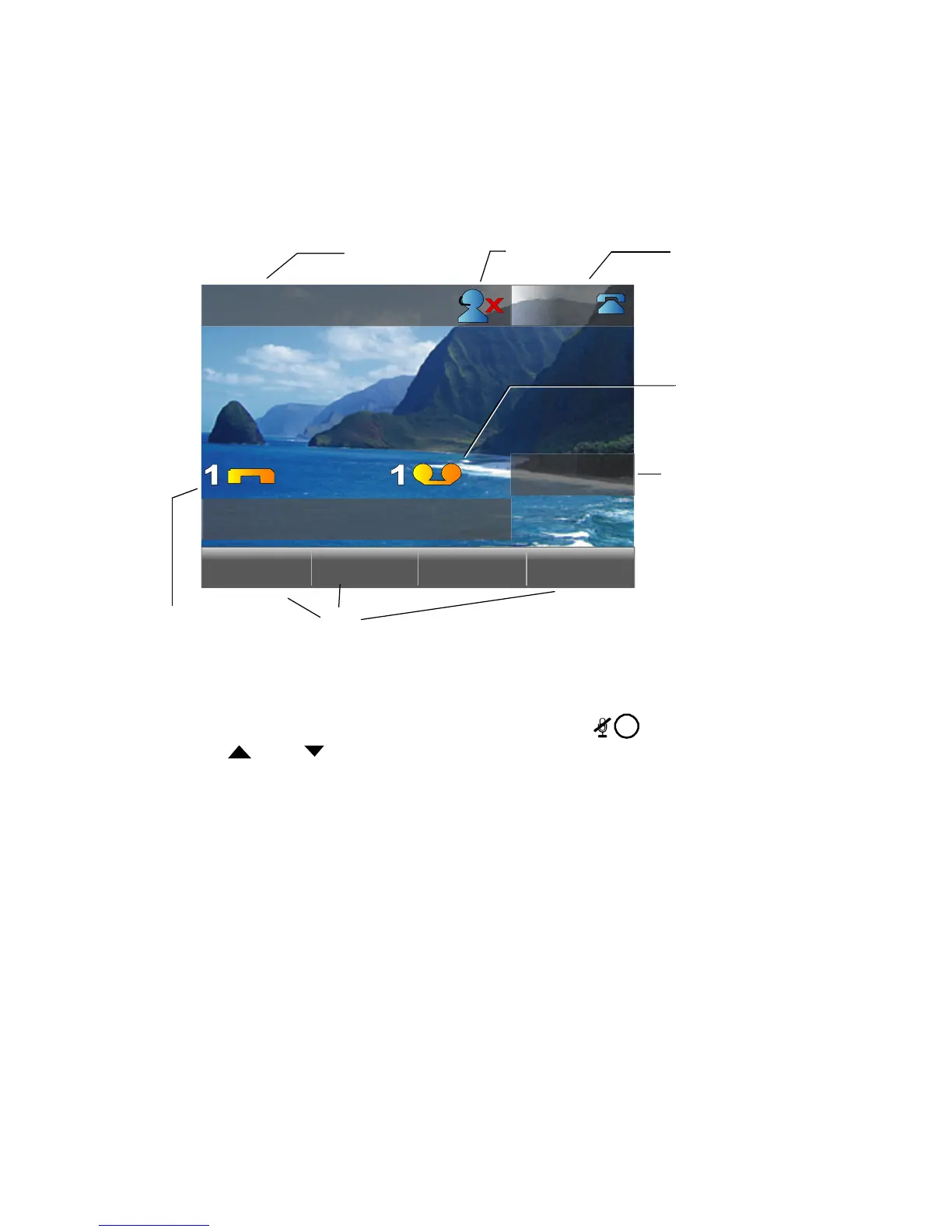
Your ShoreTel IP phone's display shows your name and extension, call
handling mode, call appearance, monitored extensions, calls, duration of call,
voice messages, date and time, soft key functions, and operating status.
Adjusting Display Contrast
To adjust the contrast of your display, press and hold while repeatedly
pressing and on the Scroll button (located to the left of the telephone
display). This adjustment cycles through a list of brightness and contrast
combination values, which may be selected to give a better display appearance
from a particular viewing angle. The are 9 brightness levels, and each
brightness level offers 3 different contrast levels, for a total of 27 pairings.
Backlight Operation
When your phone is not used for several minutes, the screen will dim to half
brightness. The screen will return to full brightness if any buttons are pressed
or if the phone receives an incoming call.
During normal business hours (configurable in the phone configuration files),
the backlight will remain partially lit. After hours, the phone display may go
completely dark when the phone has not been touched for a configurable
length of time. The phone screen will automatically wake at the start of
business hours or if any button is pressed or if a call is received.
Javier Escuela
9:41am May 22
217
frtDsk
Pickup Unpark Mode
ShoreTel 565g Idle Display
Speed Dial
Your Name
Your Extension
Soft
Keys
Missed
Calls
Unheard
Voice
Messages
Agent State



 To Next Page