Getting Started Installing and Charging the Battery
1
ShoreTel IP Phone 930D Handset User Guide 11
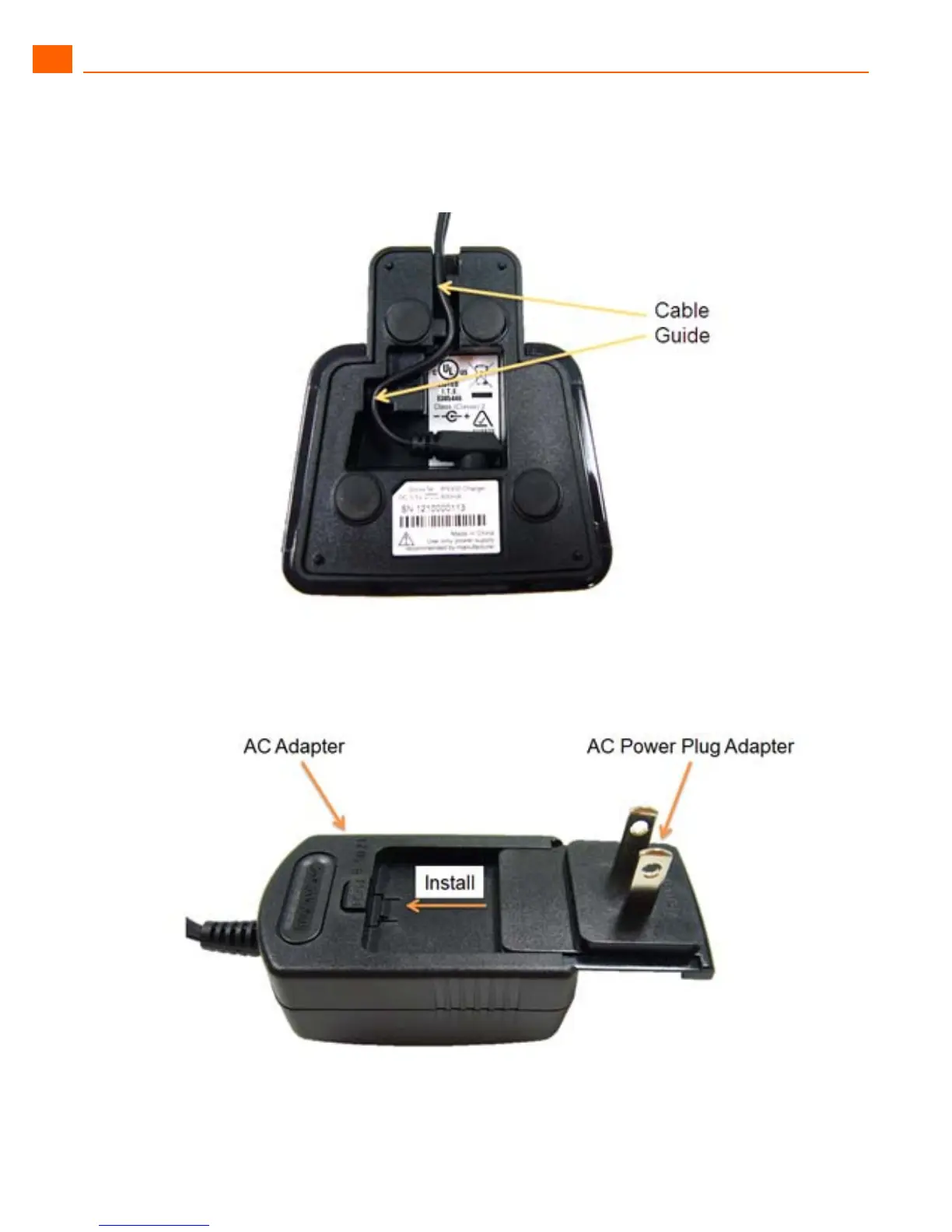
5. Connect the AC adapter to the jack on the charging stand and route the cable through the cable
guide so the charging stand sits flat on a horizontal surface.
6. Slide the AC power plug with the correct shape for your AC outlet into the AC adapter until it locks
in place. Plug the AC adapter into the AC outlet.



 To Next Page