Getting Started Setting the Language Preference for the Handset
1
ShoreTel IP Phone 930D Handset User Guide 19
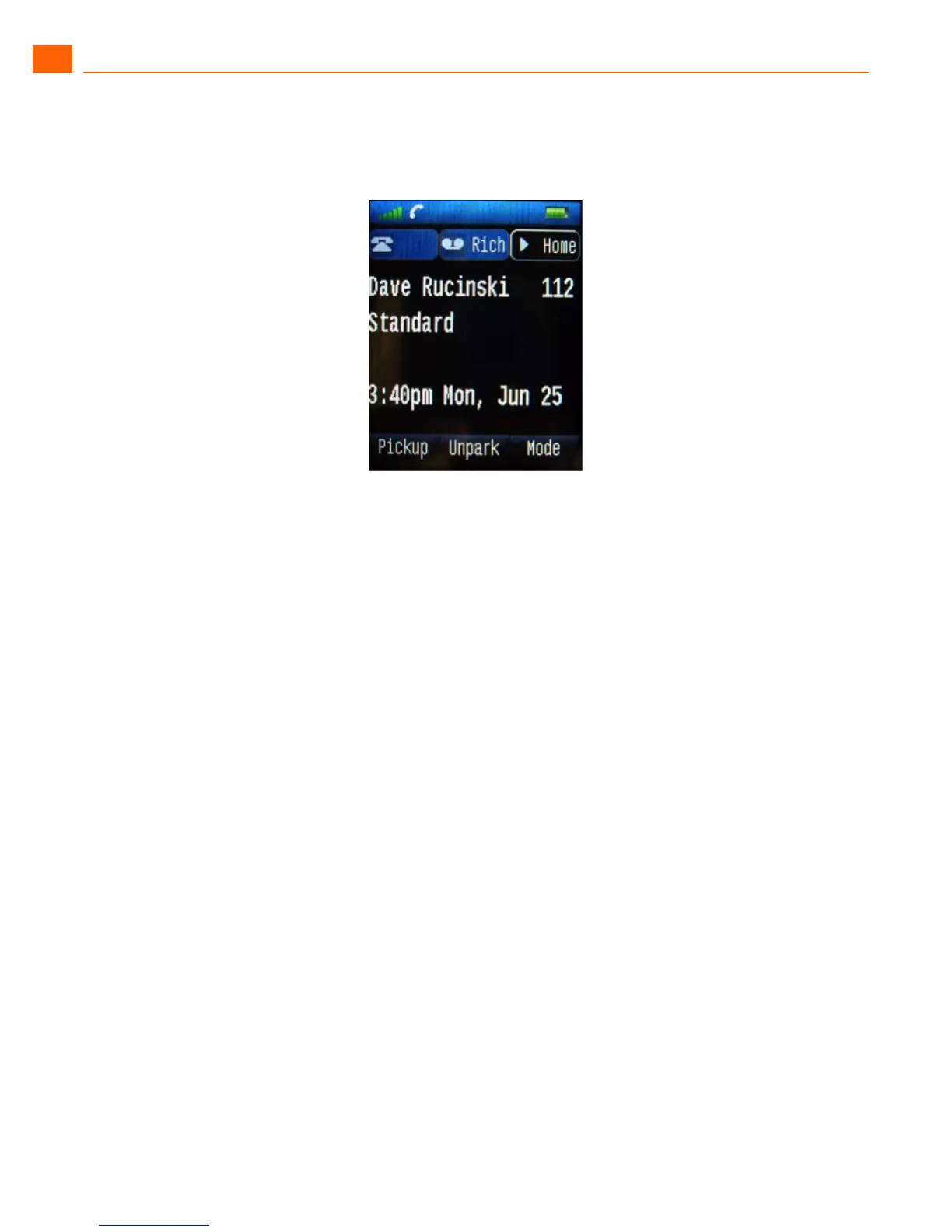
2. Push the right direction of the 4-way controller twice to highlight the Speed Dial button appearance
labeled “Home.”
3. Push the center button of the 4-way controller to dial the Speed Dial number.
Setting the Language Preference for the Handset
You can change the language used by menus on the handset by following this procedure:
1. Press and hold the Menu button for 3 seconds until the Settings menu appears.
2. With Language selected, press the center button on the 4-way controller.
A list of available languages is shown.
3. Use the 4-way controller to highlight the language you wish to select and push the Select soft key
(or the center button of the 4-way controller).
4. Push the End/Power button to exit.
Setting the Keypad to Automatically Lock when Idle
You can set the phone to lock the keypad automatically after a specified time period of inactivity. This
feature is useful to prevent accidental calling or feature activation on the handset.
1. Press and hold the Menu button for 3 seconds until the Settings menu appears.
2. Use the 4-way controller to highlight the Security menu item and press the center button on the
4-way controller.
The current status of the Automatic keylock feature is displayed.
3. Turn the feature off or select a time period after which the keys will lock by highlighting the desired
setting and pushing the Select soft key (or the center button of the 4-way controller).
To unlock the handset, press and hold the center button of the 4-way controller for two seconds.



 To Next Page