18 Handset User Guide ShoreTel IP Phone 930D
Getting Started Using the 4-way Controller
1
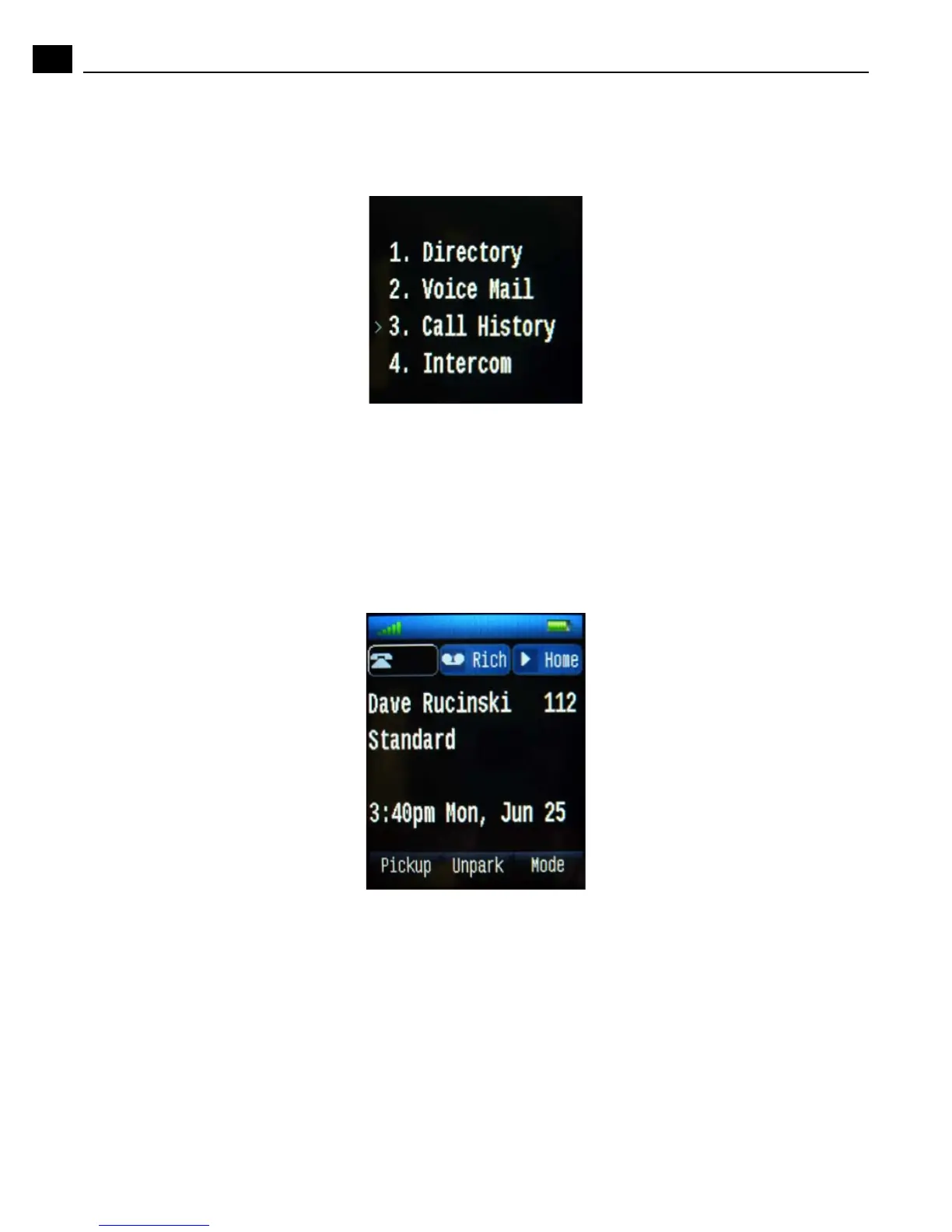
2. Push the down direction of the 4-way controller to scroll to Call History. (Alternately, you can open
Call History at this point by pressing 3 on the handset keypad.)
3. With Call History selected, push the center button of the 4-way controller or press the OK soft key.
Call History opens.
Example - Speed Dial a Call from a Button Appearance
Follow this example to learn more about using a button appearance on your IP930D.
1. Start from an idle phone. In the illustration below, the left-most call appearance is highlighted.



 To Next Page