Shure Incorporated
55/87
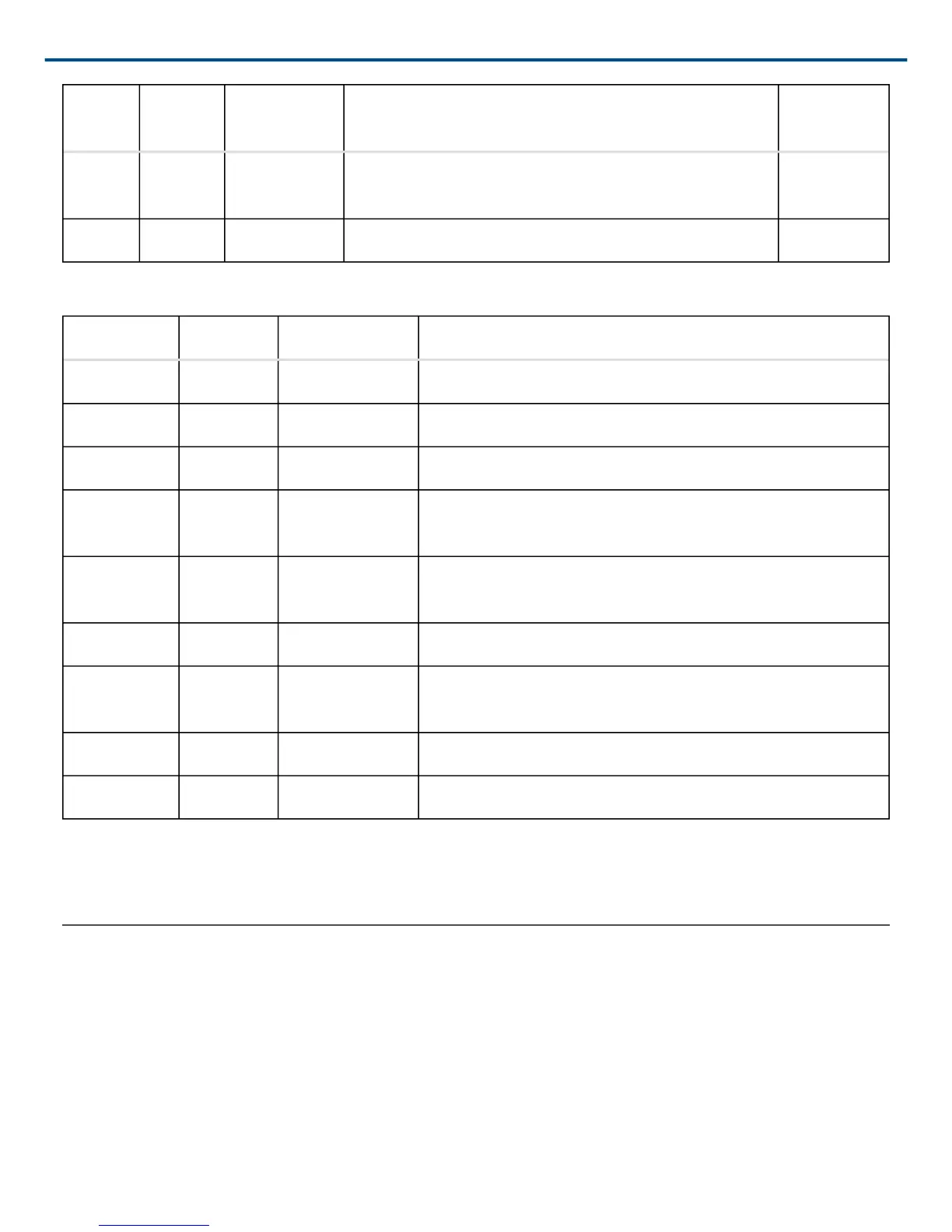
Port
TCP/
UDP Protocol Description
Factory De
fault
8427 udp Multcast
SLP
Required for inter-device communication Open
64000 tcp Telnet Required for Shure firmware update Open
Dante Audio & Controller
Port TCP/UDP Protocol Description
162 udp SNMP Used by Dante
[319-320]* udp PTP Dante clocking
2203 udp Custom Required for packet bridge
4321,
14336-14600
udp Dante Dante audio
[4440, 4444,
4455]*
udp Dante Dante audio routing
5353 udp mDNS Used by Dante
[8700-8706,
8800]*
udp Dante Dante Control and Monitoring
8751 udp Dante Dante Controller
16000-65536 udp Dante Used by Dante
*These ports must be open on the PC or control system to access the device through a firewall.
These protocols require multicast. Ensure multicast has been correctly configured for your network.
Using a Third-Party Control System
The microphone receives logic commands over the network. Many parameters controlled through the web applica
tion can be controlled through a third party control system, using the appropriate command string.
Common applications:
• Mute
• LED color and behavior
• Loading presets
• Adjusting levels
†
†
†
†



 To Next Page