Shure Incorporated
23/56
1.
2.
3.
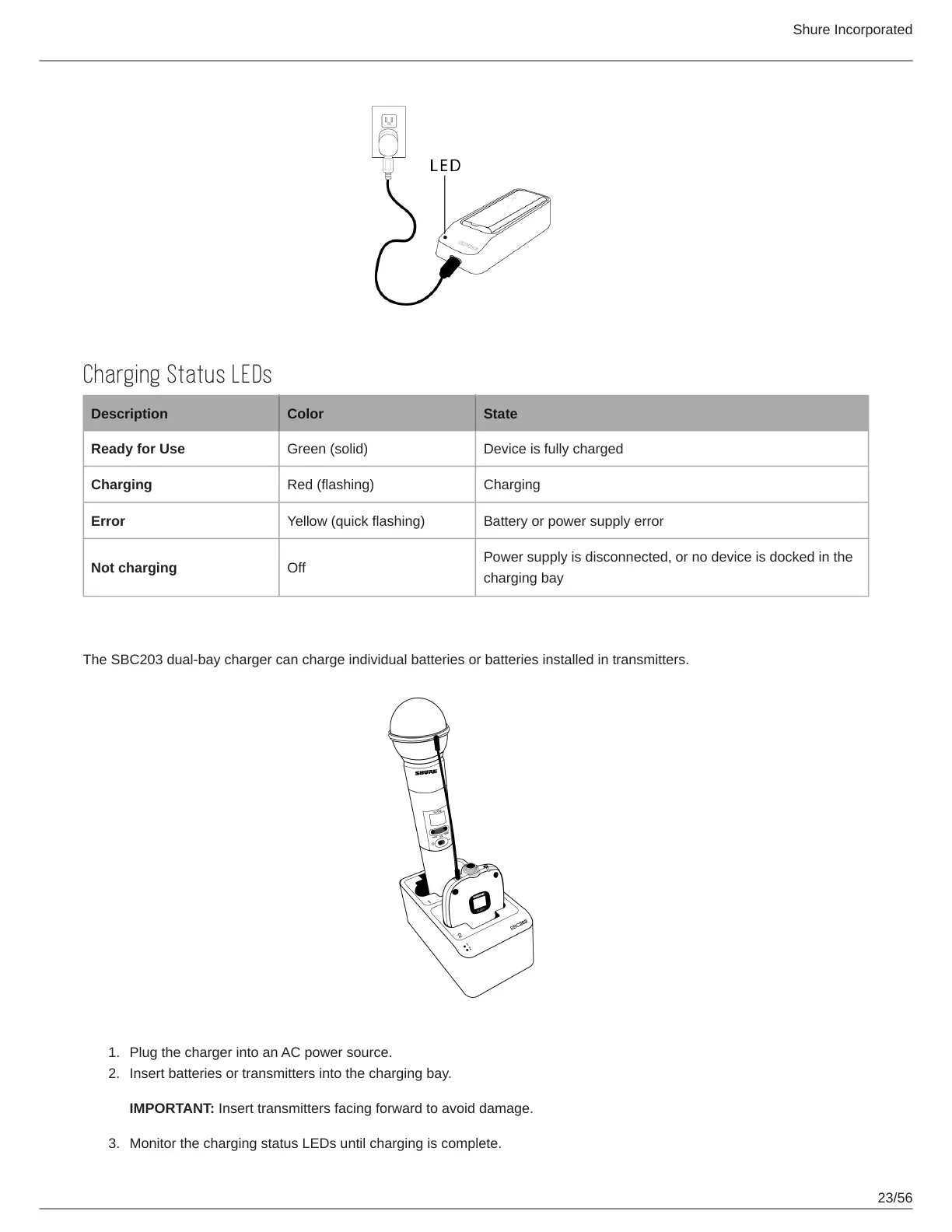
Charging Status LEDs
Description Color State
Ready for Use Green (solid) Device is fully charged
Charging Red (flashing) Charging
Error Yellow (quick flashing) Battery or power supply error
Not charging Off
Power supply is disconnected, or no device is docked in the
charging bay
Dual Bay Chargers
The SBC203 dual-bay charger can charge individual batteries or batteries installed in transmitters.
Plug the charger into an AC power source.
Insert batteries or transmitters into the charging bay.
IMPORTANT: Insert transmitters facing forward to avoid damage.
Monitor the charging status LEDs until charging is complete.











 To Next Page