4.2 Default Methods
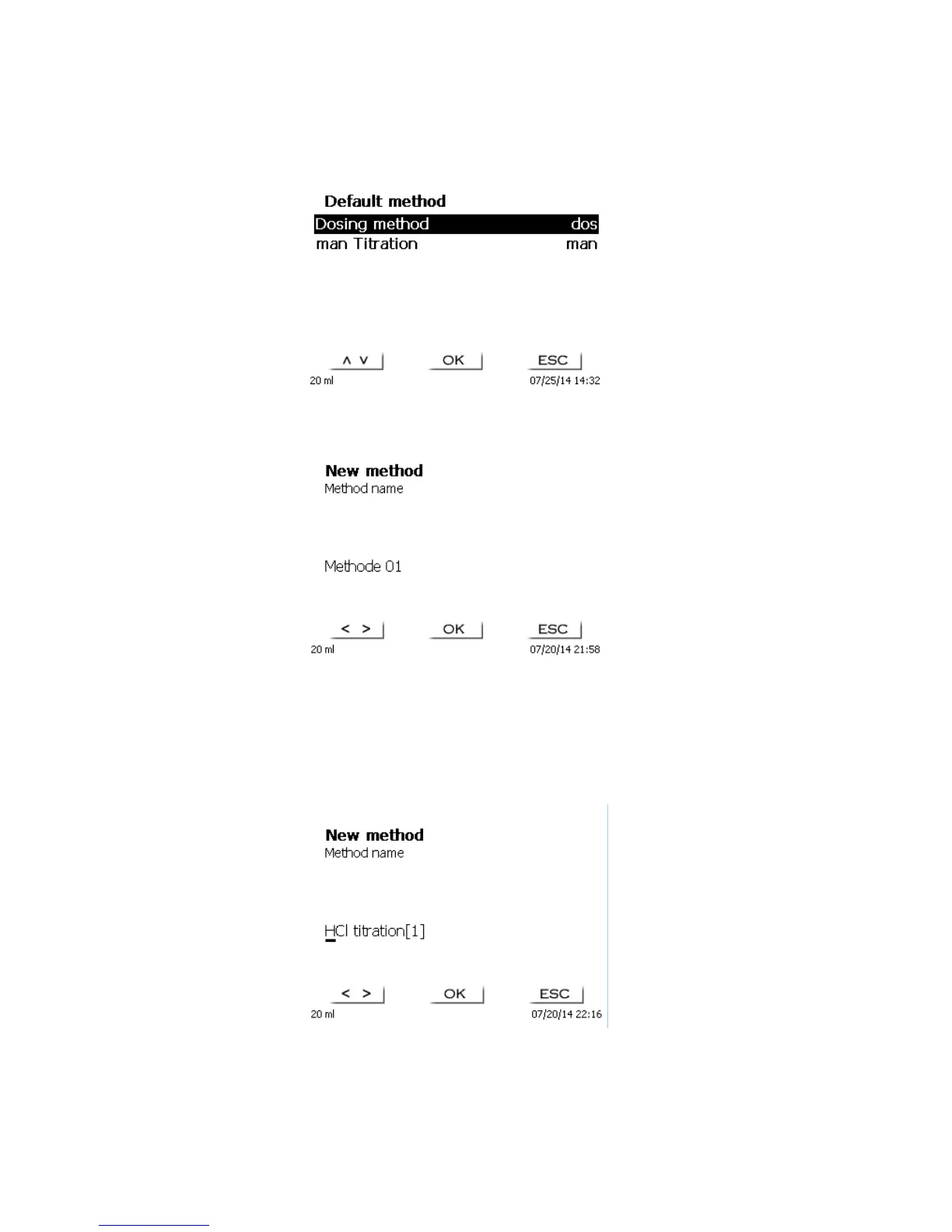
The <Default methods> item of the TITRONIC
®
300 contains a series of ready-made standard methods which
can be conveniently selected (Fig. 39).
Fig. 39
Once the selection made, you are directly prompted for the input of the method name (Fig. 40).
Fig. 40
The standard name may be adopted or modified. Subsequently, you will be taken to the <Change method
parameters> item. Please continue at this point with Chapter 4.5.
4.3 Copy Methods
Methods can be copied or stored with a new name. If you select this function, the current method will be copied
and you can include a new name (Fig. 41)
Fig. 41
A new name with the suffix [1] will be assigned automatically, so as to avoid the existence of 2 methods having
the same name. Subsequently, you will be taken to <Change method parameters>. Please continue at this point
with Chapter 4.5.



 To Next Page