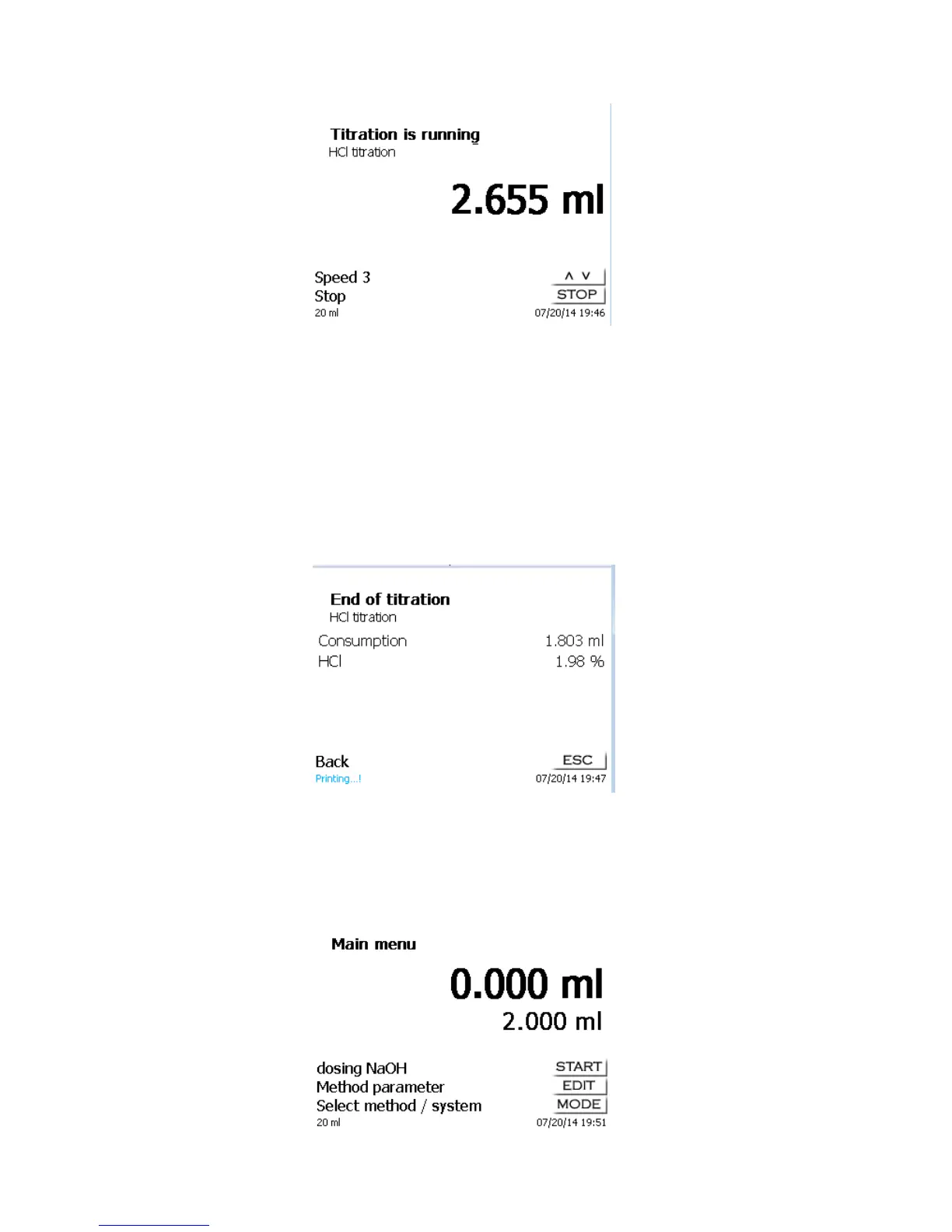
Fig. 30
Stage 5 corresponds to maximum titration speed. Speed is reduced by 50% each time.
Example: 20 dosing unit:
Stage 5 40.00 ml/min
Stage 4 20.00 ml/min
Stage 3 10.00 ml/min
Stage 2 5 ml/min
Stage 1 2.5 ml/min
As soon as manual titration is completed, press the <STOP/F2> key or approx. for 1 sec. the grey key of the
“mouse”. The titration result will be calculated and displayed and optionally printed on the connected printer or
USB stick in PDF format:
Fig. 31
<ESC> will take you back to the start menu way to start the next titration immediately. Filling of the
interchangeable unit occurs automatically.
3.6.2 Dosage
To start a dosage method, please use the <START>/<F1> key or the black key of the manual controller
("mouse")
Fig. 32



 To Next Page