5 System Settings
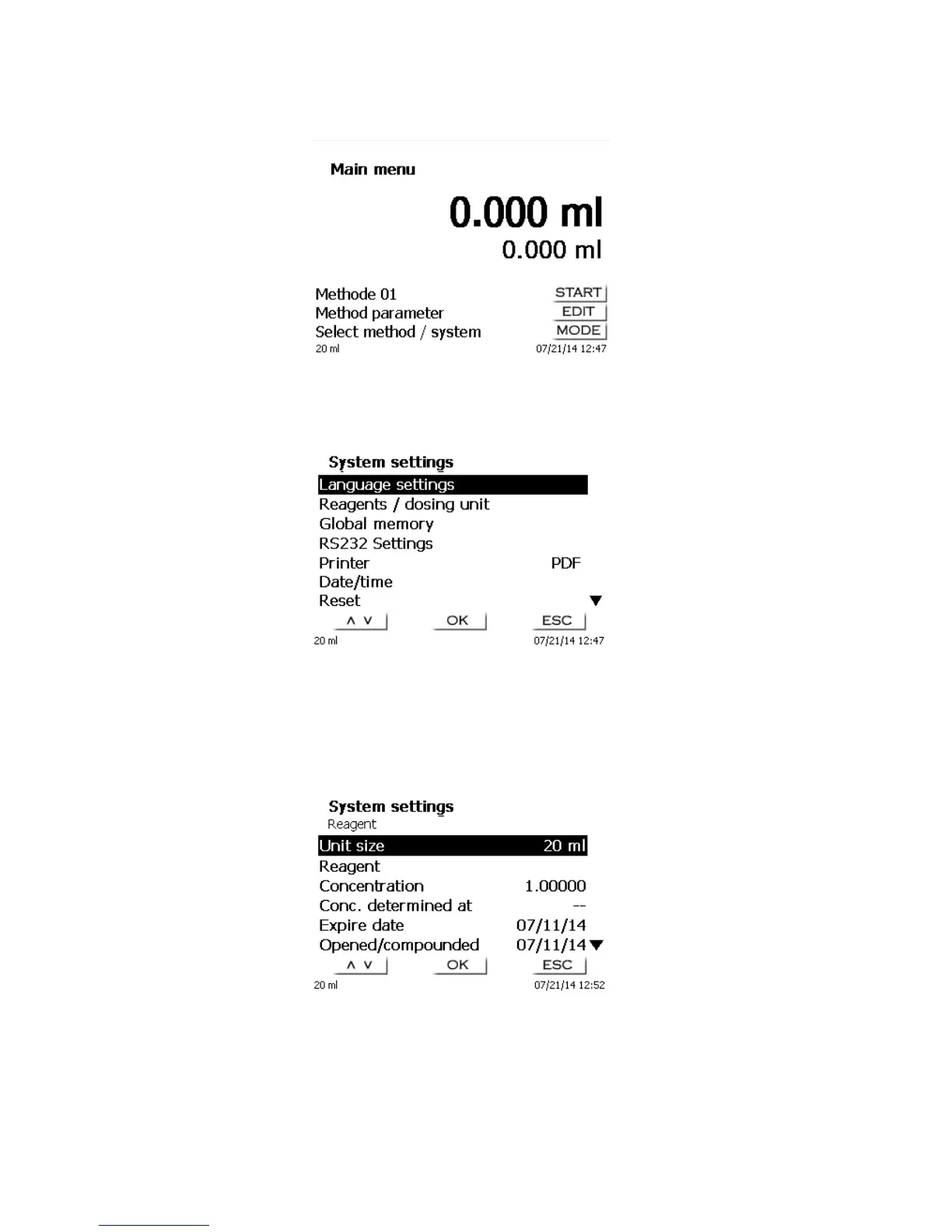
Fig. 66
From the main menu (Fig. 66), press <MODE> followed by <System settings> (or with the external keyboard
connected, press F7) you get to the system settings:
Fig. 67
Setting the national language was already described in Chapter 2.5.
5.1 Reagents/Dosing Unit
In this menu you can set the size of the dosing unit (20 or 50 ml), perform an exchange of the dosing unit and
enter reagents data, being stored during manual titration in the GLP documentation.
Fig. 68
5.1.1 Dosing unit exchange
Confirm with <OK/ENTER> the size of the dosing unit.



 To Next Page