4.5.4 Sample identification
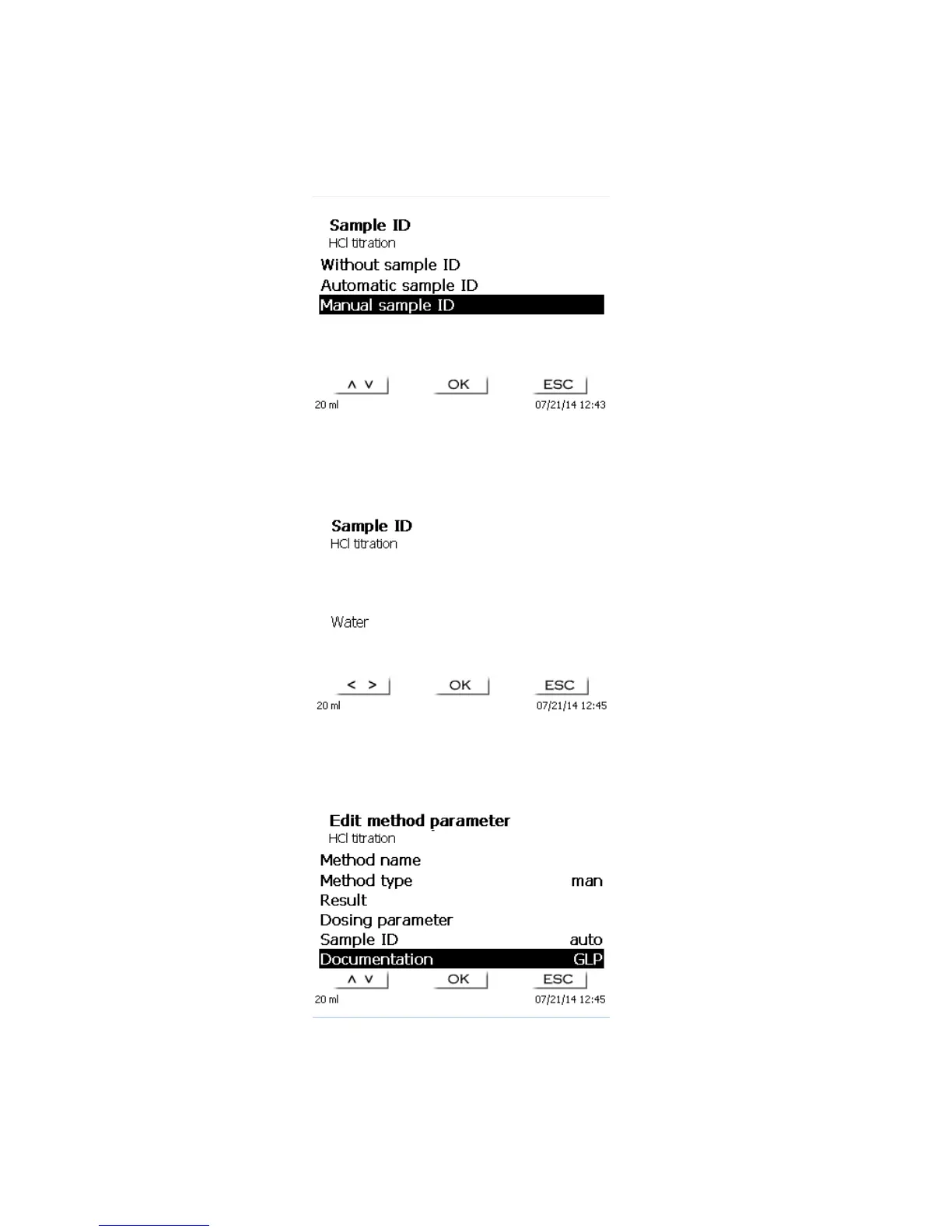
In the manual titration it is possible to input a sample identification. The possible input includes manual, automatic
or no sample identification at all.
Fig. 62
For the manual sample ID, a prompt for the sample ID will always be displayed at the start of the method (Cp.
also chapter 3.6, Main menu). For an ‘automatic’ sample ID there will be selected a master ID (in the current case
this is water, cp. Fig. 68), which will then automatically be numbered starting on 01.
Fig. 63
After a new power-up, numbering will resume with 01.
4.5.5 Documentation
Fig. 64
Two different format settings are available for documentation on a printer or USB memory stick: short and GLP:



 To Next Page