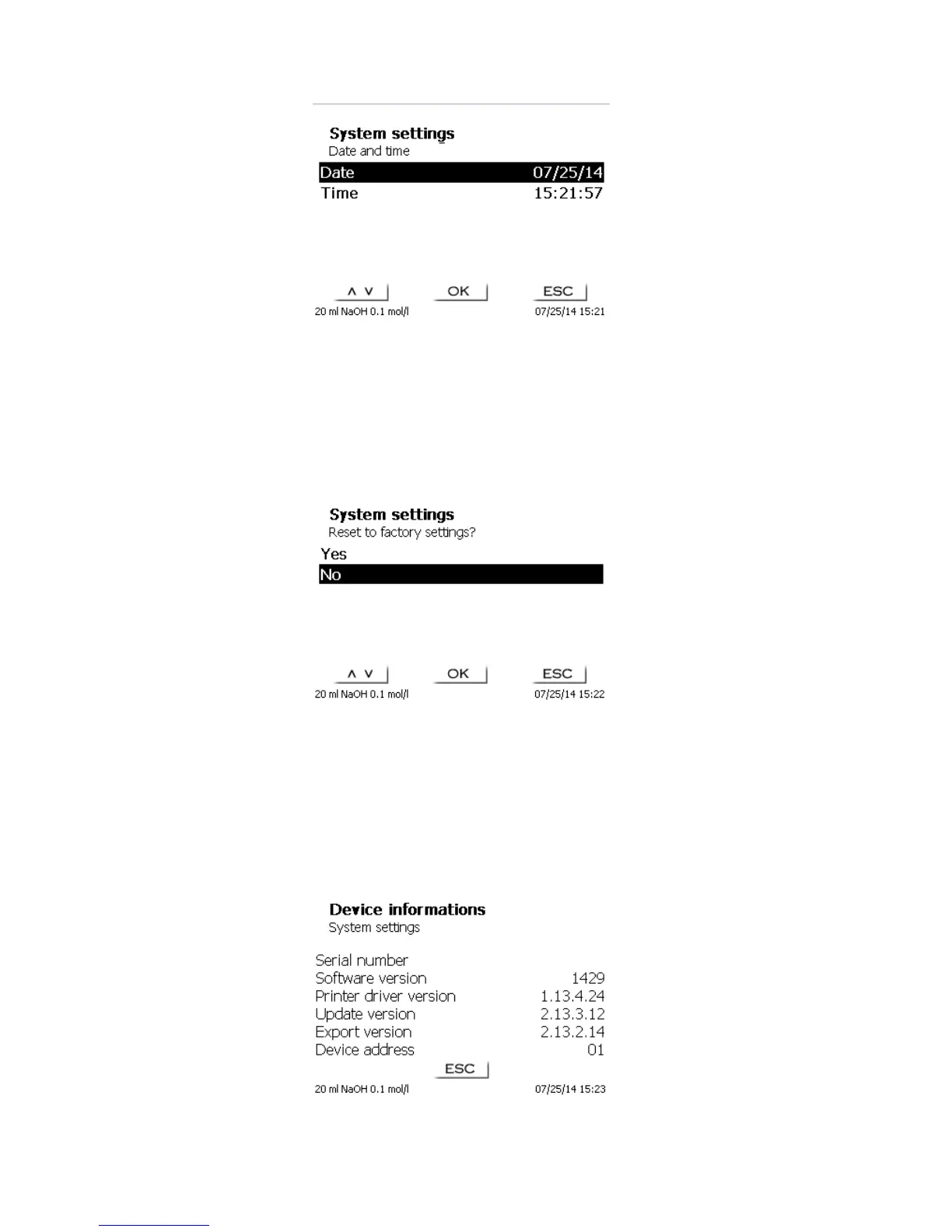
Fig. 86
5.6 RESET
RESET will reset all settings to the factory setting.
Please note: All methods will also be deleted. So please print the methods or export/copy them to a connected
USB storage medium (refer to chap. 5.9).
The RESET has to be confirmed separately once again:
Fig. 87
5.7 Device Information
<Device Information> contains information about
the current software version
the serial number of the device
printer driver and update version
device address set
number of measurements (Starts of a method)
a number of strokes/filling cycles
Fig. 88
Please hold this device information ready for service purposes.



 To Next Page