Operating Instructions Chapter 2
Ranger E/D
8011731 SICK IVP • Industrial Sensors • www.sickivp.com • All rights reserved 7
Installation Guide
Warning:
Where ever Ranger is used in combination with a laser, all requirements for laser products
and laser systems according to the laser safety standards IEC 60825 – 1 (2001-08) and
21 CFR 1040.10/11 must be fulfilled. Please read chapter ”Laser Safety” in Appendix B
carefully.
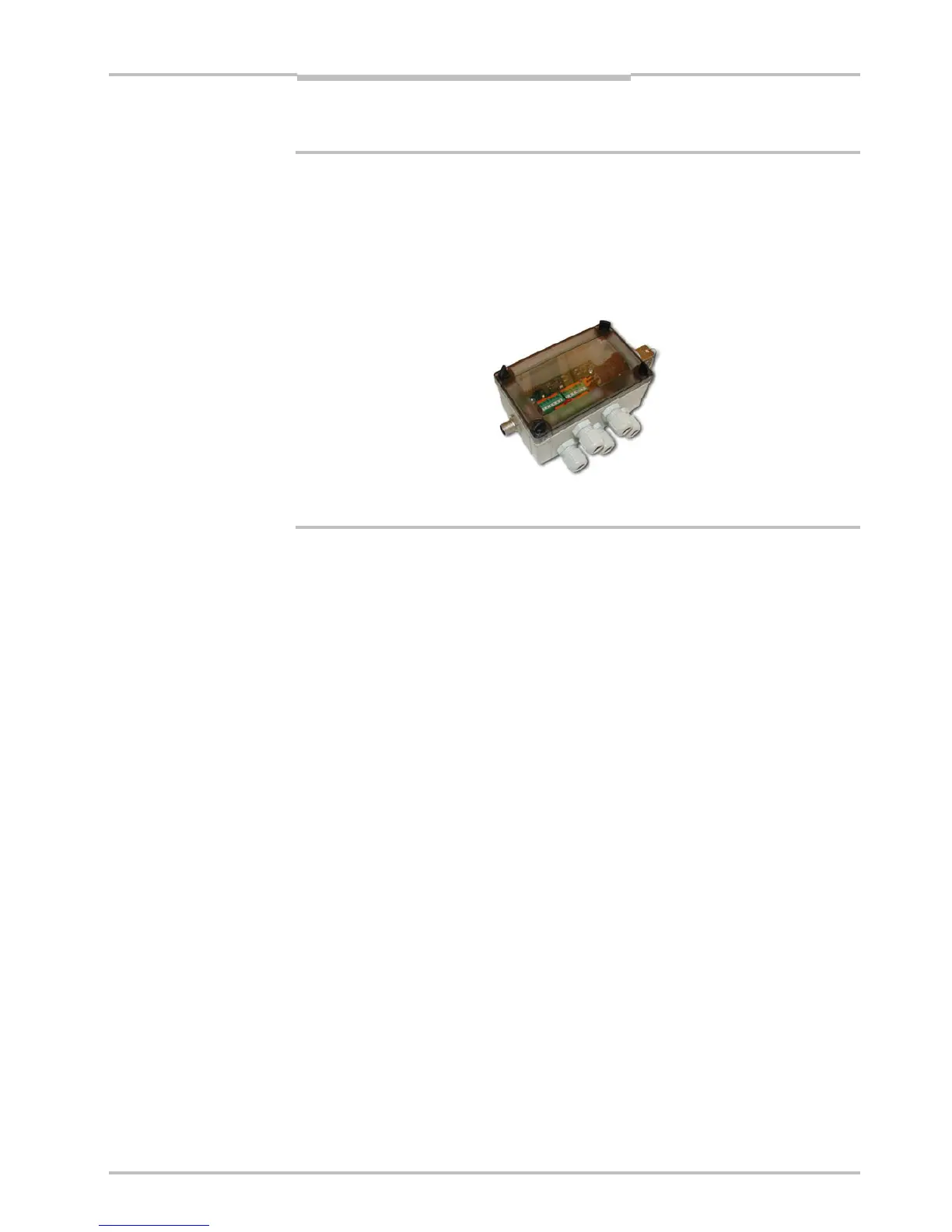
To handle class IIIb/ 3B lasers in an easy way, a laser safety box which provides a key-
actuated master control, a remote interlock connection, a connection for an external
warning lamp and a delayed power-on, is available as accessory.
Figure 2.2 – ICT-B Laser safety box
2.1.1 PC Hardware Requirements
Recommended PC requirements for a Vision system:
AMD Athlon XP 2000+ or Intel P4 2.0 GHz
1024 MB RAM
800 MHz bus speed
1024*768 @ 24 bits of color
Windows XP Pro
A Gigabit Ethernet network interface card
For evaluation purposes, a PC with lower specifications may be sufficient.
2.1.2 Preparing the Network
Due to the large amount of data that the Ranger delivers, it is required to connect them to
the PC using a dedicated Gigabit Ethernet network, without other interfering traffic. If the
PC must be connected to other equipment, for example network printers, the PC should be
equipped with two network interface cards (NIC).
Many PCs today are delivered with a standard NIC for connection to an office network. This
NIC may not support Gigabit Ethernet, and even if it does it may cause performance prob-
lems when used with Rangers. Therefore the PC should always use one of the recom-
mended NIC for Ranger related traffic.
A single Ranger can be connected with or without using a switch. Multiple Rangers are
preferably connected using a switch.
Information about recommended network interface cards and switches can be found in
Appendix C.


 To Next Page