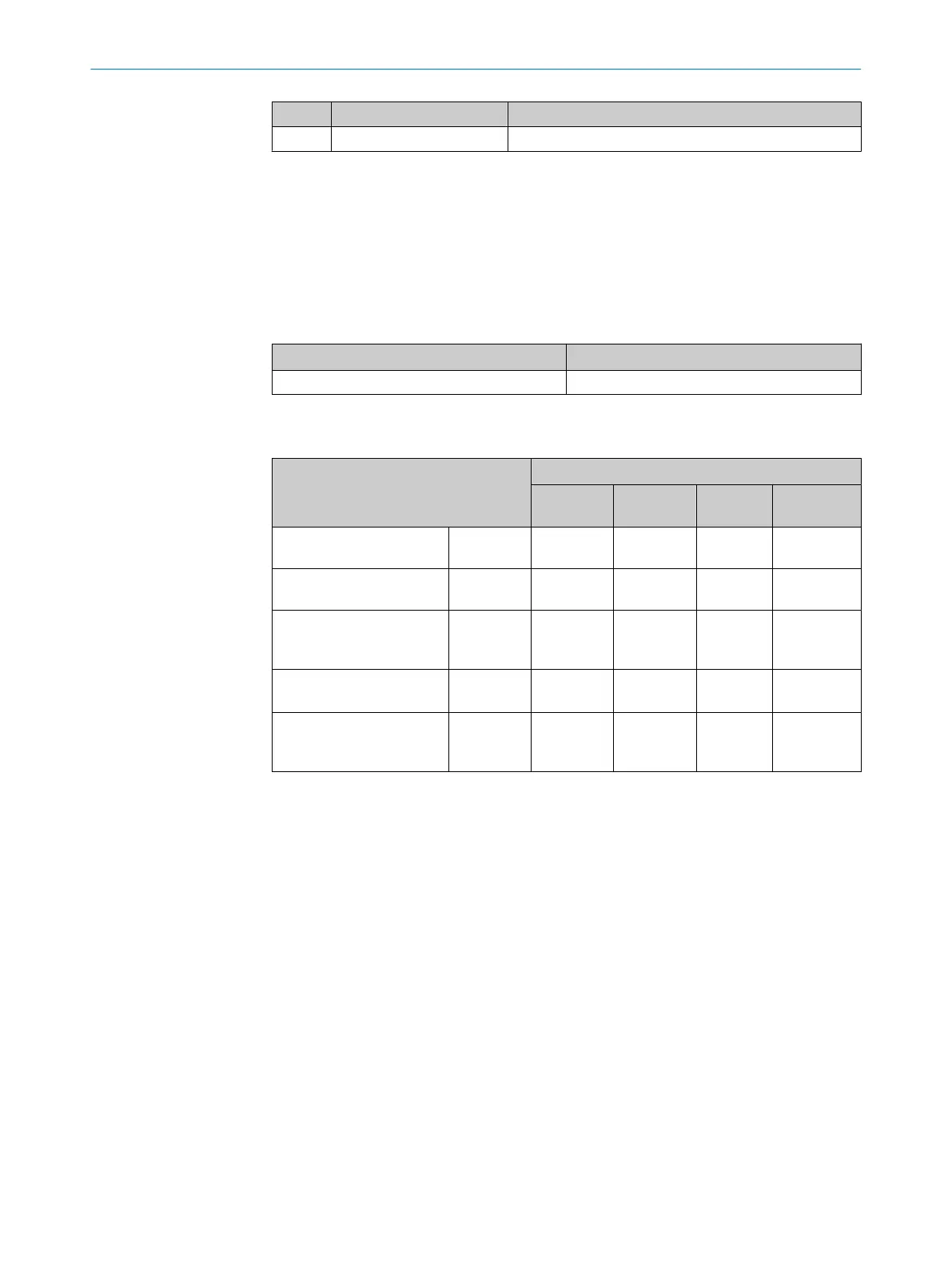
Pin Signal Function
4 RD– Receiver–
6.5 Connecting the device
6.5.1 Connecting the supply voltage
Voltage source in accordance with ES1 and PS2 (EN 62368-1) or SELV and LPS
(EN 60950-1).
The power source for the device must be able to provide the following power outputs:
Table 10: Required supply voltage V
S
Supply voltage V
S
Power source: required power output
1)
DC 12 V ... 24 V ± 20% Maximum 25 W
1)
For device with 4 loaded digital outputs (each 100 mA).
Table 11: Typical current consumption depending on supply voltage
Designation Supply voltage (V
S
) in [DC V]
9.6
(12 V -20%)
12 24 28.8
(24 V +20%)
Current consumption, digi‐
tal outputs unloaded
I
B RMS
[A] 0.4 0.32 0.17 0.14
Power loss, digital outputs
unloaded
P
RMS
[W] 3.84 3.84 4.08 4.03
Maximum current con‐
sumption, digital outputs
unloaded
I
B Peak
1)
[A] 1.05 0.90 0.45 0.35
Typical, all 4 digital outputs
loaded (0.1 A per output)
I
B RMS 4Out
[A]
0.8 0.72 0.57 0.54
Power loss, all 4 digital out‐
puts loaded (0.1 A per out‐
put)
P
Peak 4Out
[W]
7.68 8.64 13.68 15.55
1)
For design of the power supply unit, supply cable and fuse protection at the start of the line.
Protecting the supply cables
To ensure protection against short-circuits/overload in the customer’s supply cables,
the wire cross-sections used must be appropriately selected and protected.
The following standards must be observed in Germany:
•
DIN VDE 0100 (part 430)
•
DIN VDE 0298 (part 4) and/or DIN VDE 0891 (part 1)
Connection without connection module
With a supply voltage of DC 12 V to 24 V ± 20%, protect the device with a separate fuse
with value 2 A.
b
Install the fuse in the supply circuit at the start of the supply cable.
6 ELECTRICAL INSTALLATION
36
O P E R A T I N G I N S T R U C T I O N S | GLS621 8024289/19E9/2020-10-21 | SICK
Subject to change without notice


 To Next Page