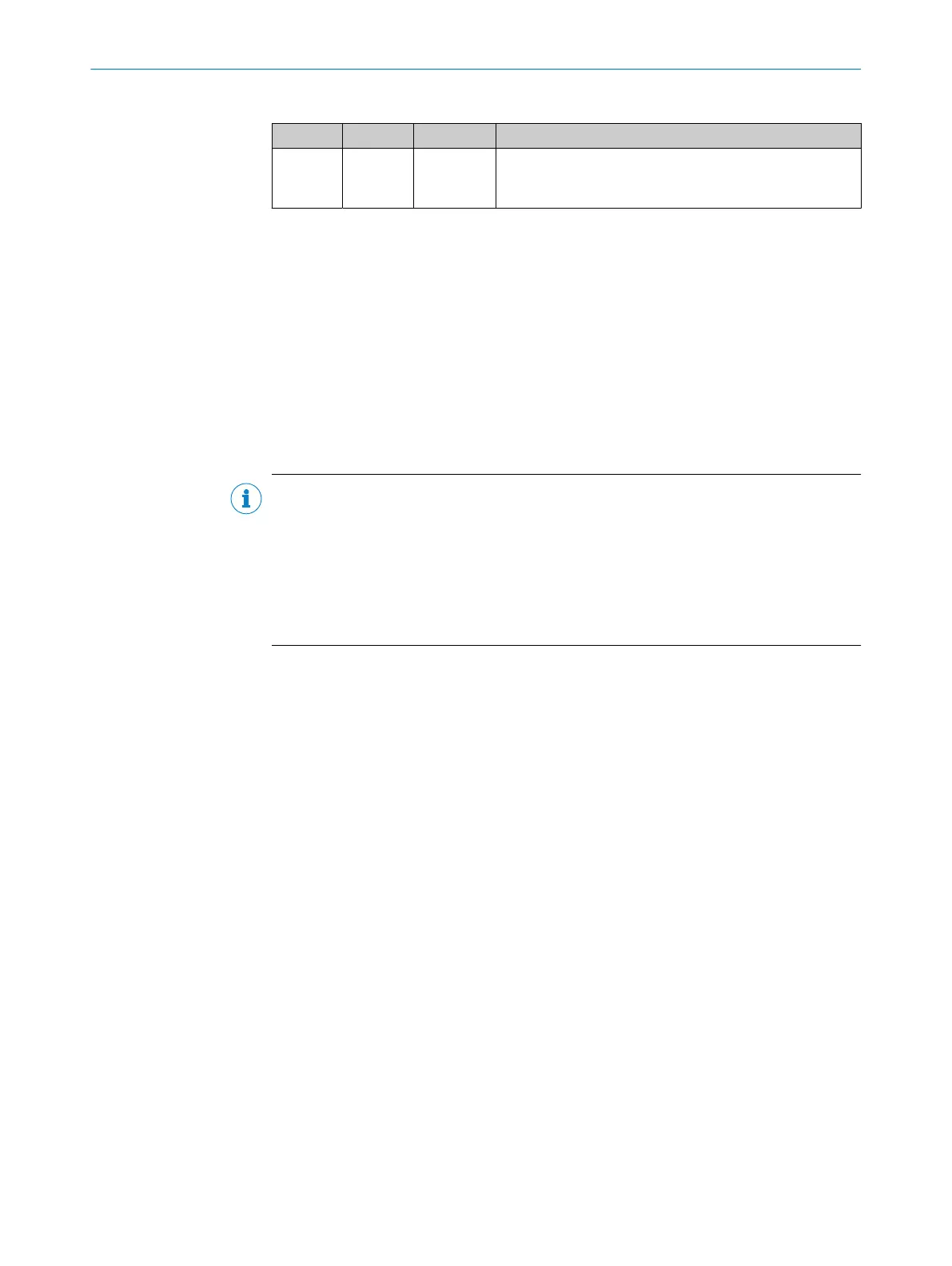
Table 7: Status LED of the microSD memory card
Display LED Color Status
MicroSD
O
Green The device writes data to the correctly installed memory
card.
Read access to the card is not signaled.
O = illuminated; Ö = flashing
3.3.3 Acoustic status indicator
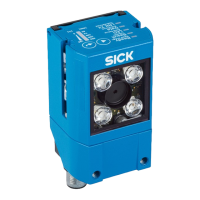
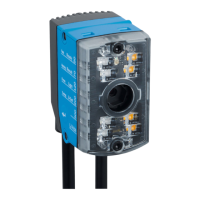
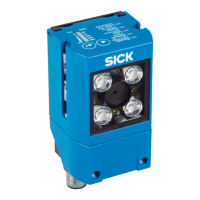
The beeper (buzzer) is located under the cover on the top of the device, see "Device
view", page 14. The beeper can be switched off.
In read mode, the beeper indicates a selectable event with a signal tone (default: event
= Good Read).
3.3.4 Memory card
The device has a card slot integrated in the housing. The card slot accommodates a
memory card in microSD format.
NOTE
The microSD memory card is optional and not included in the scope of delivery of the
device. The device supports memory cards up to max. 32 GB.
Only use types (industrial standard) approved by SICK to ensure reliable function of the
memory card. You can find these as accessories online at:
•
www.sick.com/GLS6
The memory card has no write protection that can be activated.
Functions
An inserted memory card serves as a local external storage medium for the device
outside the internal device memory, see "Initial commissioning", page 41.
The device can execute the following functions using the memory card:
•
Cloning function: storage of the currently valid parameter set
Automated additional storage of the parameter set with the configuration data of
the device on an external storage medium that is quickly accessible to the user.
This takes place as part of the recommended backup concept for the parameter
sets of the 4Dpro devices. The externally stored parameter set is also updated
automatically each time the currently valid configuration data is permanently
saved. The cloning function provides the means, for example in the event of a
device fault, for a manual transfer of the currently valid parameter set to an
exchange unit of the same type.
Automated saving to the external storage medium is triggered by saving the
parameter set in the device with the Permanent option, e.g., via the SOPAS ET
configuration software.
•
Other functions available on request.
When saving a parameter set for the first time, use an empty MicroSD memory card.
b
Check and, if necessary, delete the contents of the current memory card on the
computer.
PRODUCT DESCRIPTION 3
8024289/19E9/2020-10-21 | SICK O P E R A T I N G I N S T R U C T I O N S | GLS621
17
Subject to change without notice


 To Next Page