EasyManua.ls Logo

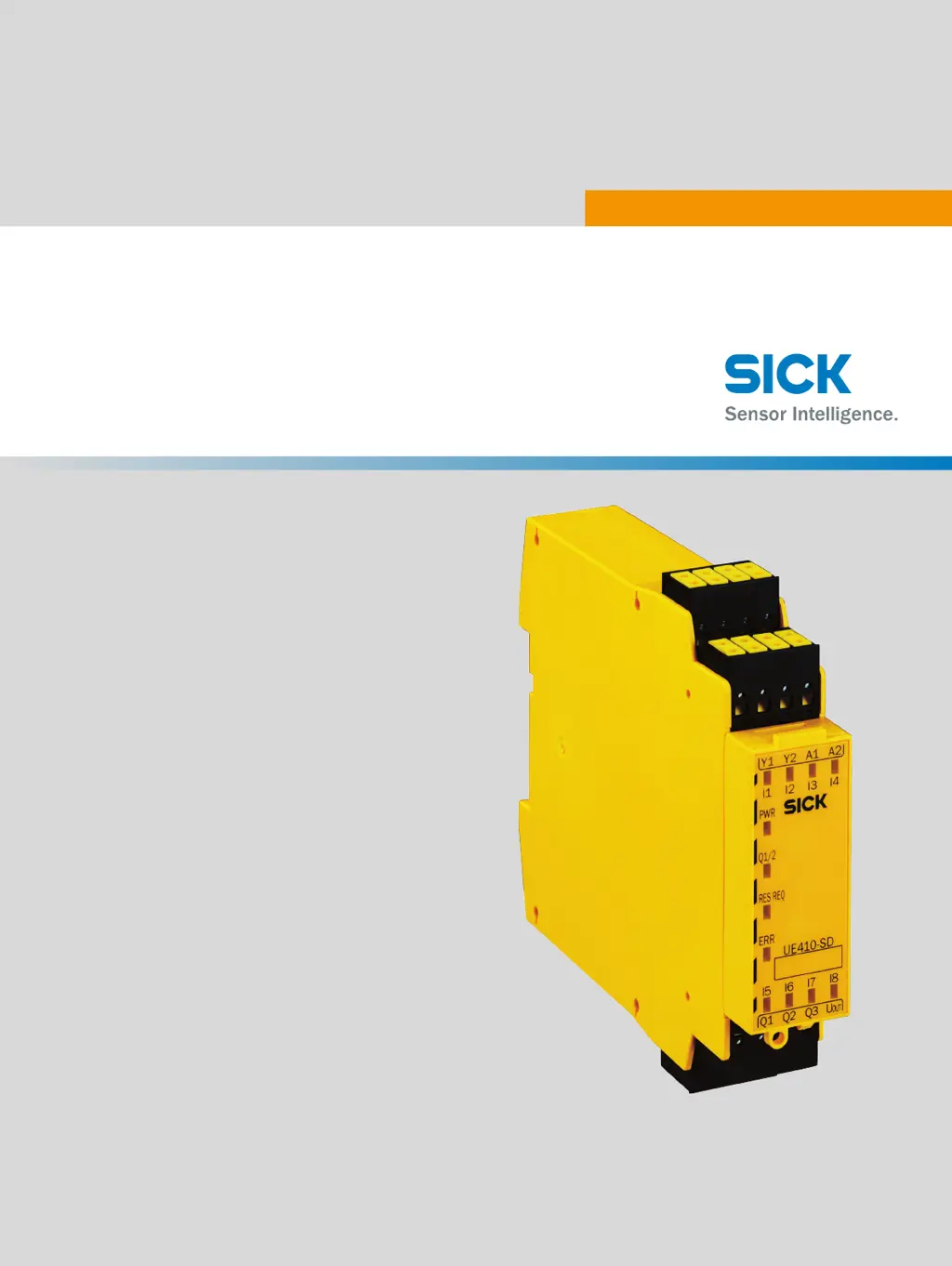
SICK UE410-SD - User Manual

SICK UE410-SD
56 pages
Print Icon
To Next Page IconTo Next Page
Loading...
O P E R A T I N G I N S T R U C T I O N S
UE410 Safeguard Detector Box
Functional safety system

Table of Contents

Questions and Answers

  • J
    John WagnerAug 1, 2025
    What to do if SICK Security Sensors flash 2, 3, or 4 times?
    • J
      jonesmeganAug 1, 2025
      If your SICK Security Sensors are flashing 2, 3, or 4 times, this indicates an internal error. You should check the wiring, perform a power-up, and if the problem persists, replace the device.
  • D
    dakotahardyAug 6, 2025
    What to do if SICK UE410-SD flash 6 times?
    • A
      Alicia LeblancAug 6, 2025
      If your SICK Security Sensors are flashing 6 times, this indicates self-monitoring or an internal error. Check the wiring, perform a power-up, and if the issue continues, replace the device.
  • M
    michelle75Aug 10, 2025
    What to do if SICK UE410-SD Security Sensors flash 5 times?
    • N
      Noah HernandezAug 10, 2025
      If your SICK Security Sensors are flashing 5 times, this indicates a faulty voltage supply. Check the voltage supply.
  • A
    Annette McgeeAug 14, 2025
    Why is the yellow status LED flashing on my SICK UE410-SD?
    • A
      Anne VegaAug 14, 2025
      The yellow status LED flashing on your SICK Security Sensors indicates that the sensor is ready for operation, but the operating conditions are not ideal. Check the following: * Fully align the beam of light (light spot) with the object * Clean the optical surfaces * Check compliance of the detection zone and adjust mounting position if necessary.
  • J
    jonescarrieAug 19, 2025
    How to fix SICK Security Sensors when the green status LED does not light up?
    • B
      baveryAug 19, 2025
      If the green status LED on your SICK Security Sensors doesn't light up, it could be due to several reasons: * No voltage or voltage below the limit values: Check the voltage supply. * Voltage interruptions: Establish a stable voltage supply. * Sensor is faulty: Check the voltage supply. If the voltage supply is OK, replace the sensor.
  • M
    Melissa TorresAug 23, 2025
    What to do if yellow status LED lights up with no object in the beam path of SICK UE410-SD Security Sensors?
    • R
      Ryan WalkerAug 23, 2025
      If the yellow status LED lights up on your SICK Security Sensors when there is no object in the path of the beam, the distance between the sensor and the background may be too short. Adjust the mounting position to ensure a greater distance to the background.
  • C
    christopher99Aug 27, 2025
    What to do if the yellow status LED doesn't light up when an object is in the beam path of SICK UE410-SD Security Sensors?
    • C
      Craig McleanAug 27, 2025
      If the yellow status LED does not light up when an object is in the path of the beam for your SICK Security Sensors, the distance between the sensor and the reflector may be too great. Adjust the mounting position to ensure a greater or shorter distance to the object.

Summary

Safety Information

General safety notes

Provides general safety precautions and warnings for device operation.

Requirements for the qualification of personnel

Details the necessary qualifications for personnel handling the system.

Product Description

Safety function

Describes the core safety mechanism and its operation.

Project Planning

Testing plan

Defines requirements for defining and documenting system checks.

Mounting

Electrical Installation

Safety

Emphasizes electrical safety measures during installation.

Configuration

Positioning and aligning the sensors

Details the critical steps for correctly positioning and aligning the sensors.

Configuration of the UE410-SD

Explains how to set up the UE410-SD for different operating modes.

Commissioning

Validation

Outlines the mandatory validation steps before operating the system.

Operation

Troubleshooting

Sensor fault diagnosis

Offers guidance on identifying and resolving sensor-related faults.

UE410-SD fault diagnosis

Provides troubleshooting steps for faults indicated by the UE410-SD error LED.

SICK UE410-SD Specifications

General IconGeneral
Safety Integrity LevelSIL3
Performance LevelPL e
Supply Voltage24 V DC
Connection TypeM12 connector
Enclosure RatingIP65
Category4
Outputs2 safety outputs
Resolution14 mm, 30 mm

Related product manuals