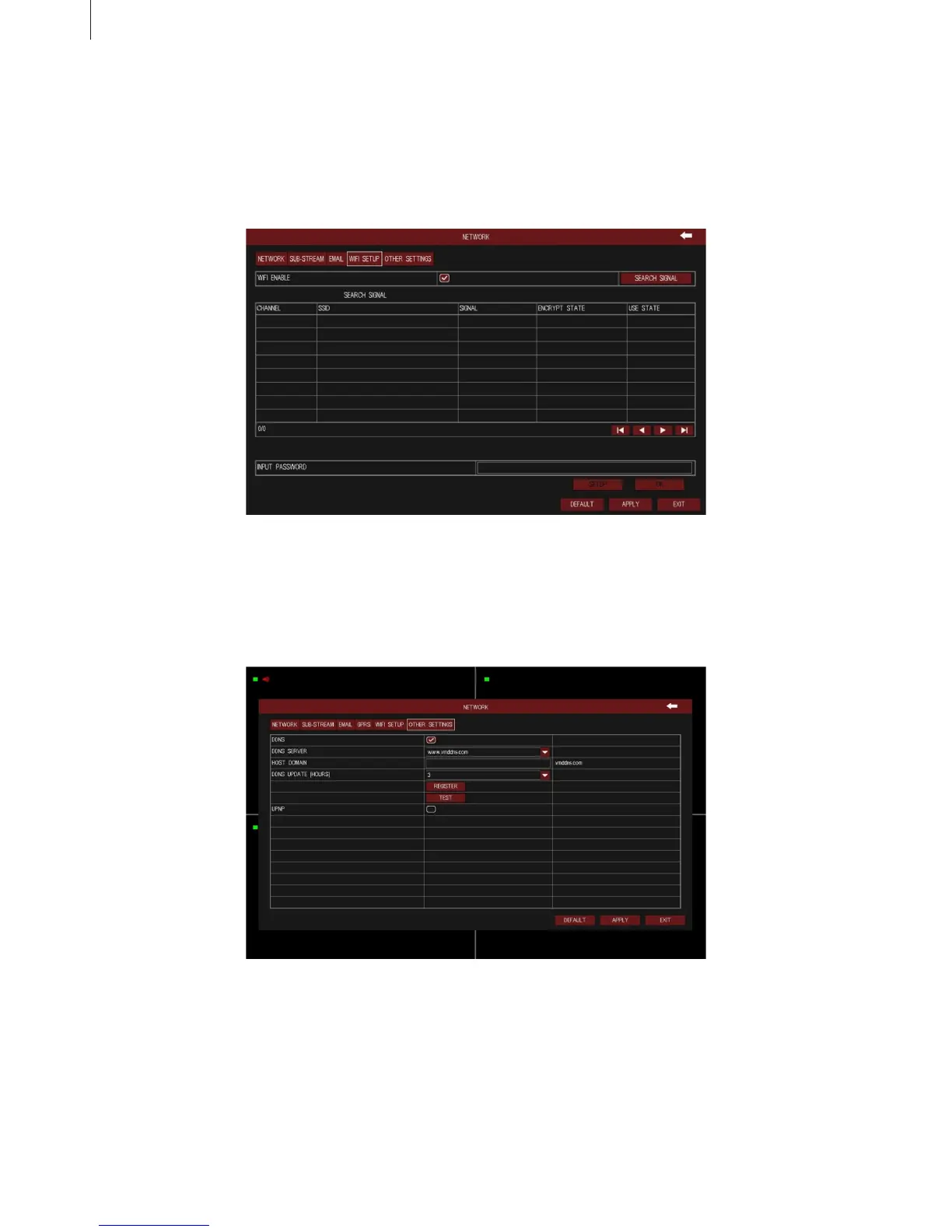
Fig 3-30
Fig 3-31
36
(4) WIFI Setup
The interface of WIFI congure is shown in Fig 3-30. User can enable WIFI function, click “Search
Signal” button to automatically search router, and the router’s information are displayed in the list.
Select a router, enter the password and click OK button. With a successful connection to the router, we
can set up a wireless IP.
(5) Other Settings
Bind the device with a xed domain name, so that user can visit the device no matter how the public IP
changes.
As shown in Fig 3-31. Enable DDNS function, select the DDNS. Click “Test” button to test the validity of
the relevant information. Enabling UPNP function can automatically map the port in use to router.
Menu Setup Guide



 To Next Page