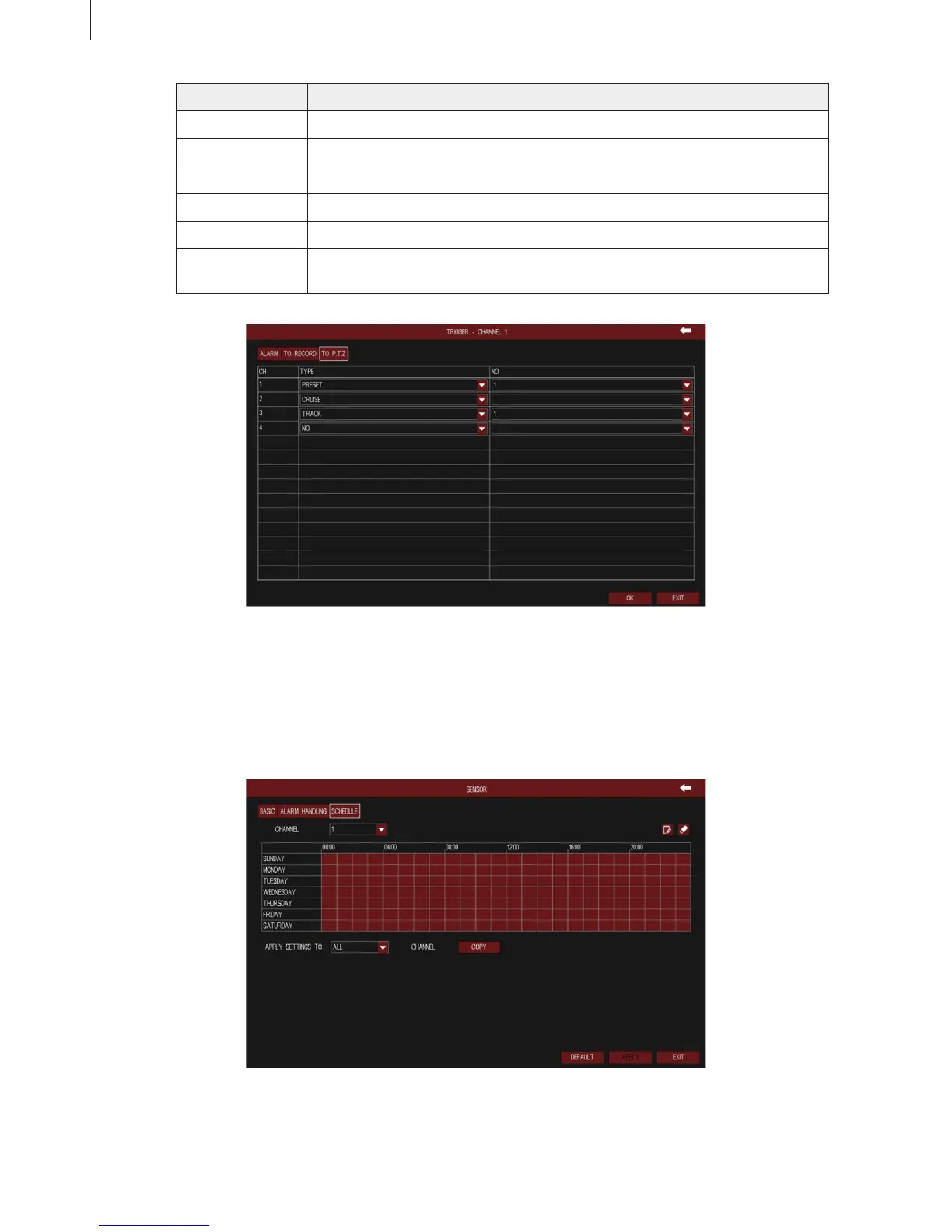
Fig 3-49
Fig 3-50
43
Parameter Meaning
Buzzer After selecting buzzer alarm, the buzzer will buzz when alarm is triggered.
Show Full Screen Pop up the full screen of channel video (optional) when alarm is triggered.
To Alarm Out Linkage specied alarm output with built-in relay when alarm is triggered.
Email Enable this function, the information of sensor alarm will be sent to mailbox.
To Record Linkage specied channel to record the video when alarm is triggered.
To P.T.Z Set the action type of linkage PTZ when alarm is triggered: no, preset, cruise
and track; as shown in Fig 3-49.
3) Schedule
The detecting schedule of sensor alarm is shown in Fig 3-50. The setup steps of detecting schedule
are familiar with schedule.
Menu Setup Guide



 To Next Page