15
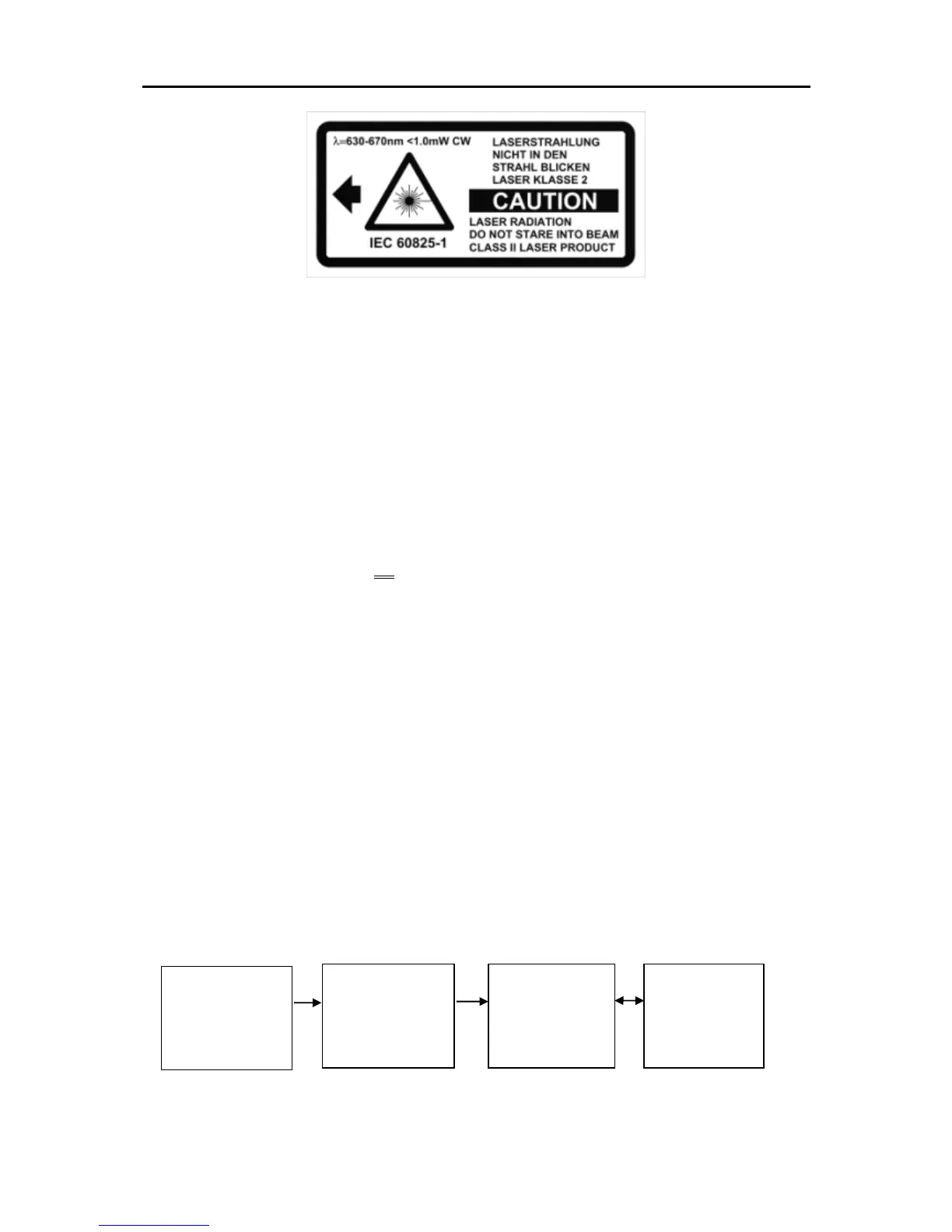
Fig. 6.2 Laser warning label affixed to the pyrometer
Laser warning label must be visible!
If the pyrometer is installed within a machine or equipment in such a way
that the instrument’s warning label is visibly blocked, additional laser
warning labels (not included in scope of delivery) must be affixed to the
equipment or accessory in immediate vicinity to the laser beam emission
path opening.
6.5 Pyrometer with camera
The models PA xx AF xx /C features an integrated camera.
The video relieved the optical alignment of the pyrometer and allows a
continuous observation of the measuring point.
When aiming the pyrometer focus the sensing head until the video imag-
es is sharp. (Technical data see chapter 30)
6.6 Setting parameters at the pyrometer (basic configuration)
Use the buttons ▲▼ and the „MODE" button on the rear panel to access
and configure parameters. With these buttons you can view and adjust
all settings required for operating the pyrometer. (See Chap. 3.1).
Menu structure:









 To Next Page