Appendix
A.3 Application examples for functional safety (STO / SS1-t)
Power Module PM330
Hardware Installation Manual, 12/2018, A5E32844552B AF
133
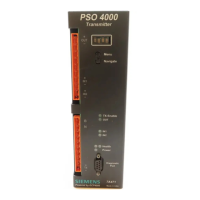
● LED 1 DEVICE is lit green
-> power supply, power up and configuration are OK
● LED 2 OUT flashes yellow
-> START button fault
● LED 3 IN is OFF
-> switch-on conditions not met
● LED 4 SF flashes red
-> fault
● START button was pressed too long or has a short-circuit



 To Next Page
 Loading...