Connecting up, switching on
4.4 Installation set for line-side cable connection, left
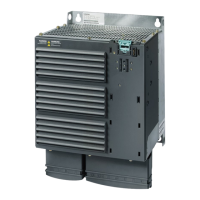
Power Module PM330
46 Hardware Installation Manual, 12/2018, A5E32844552B AF
Installing the "Mounting kit for line-side cable connection, left" 6SL3366-1LH00-0PA0 for frame size
HX
The mounting kit is installed in 4 steps:
1. Remove the busbar adapter for the cable outlet towards the top and the adapter for the
PE connection towards the top
①.
Use the 14 screws (incl. PE) again for mounting the installation set.
Figure 4-9 Installing the mounting kit, step 1




 To Next Page