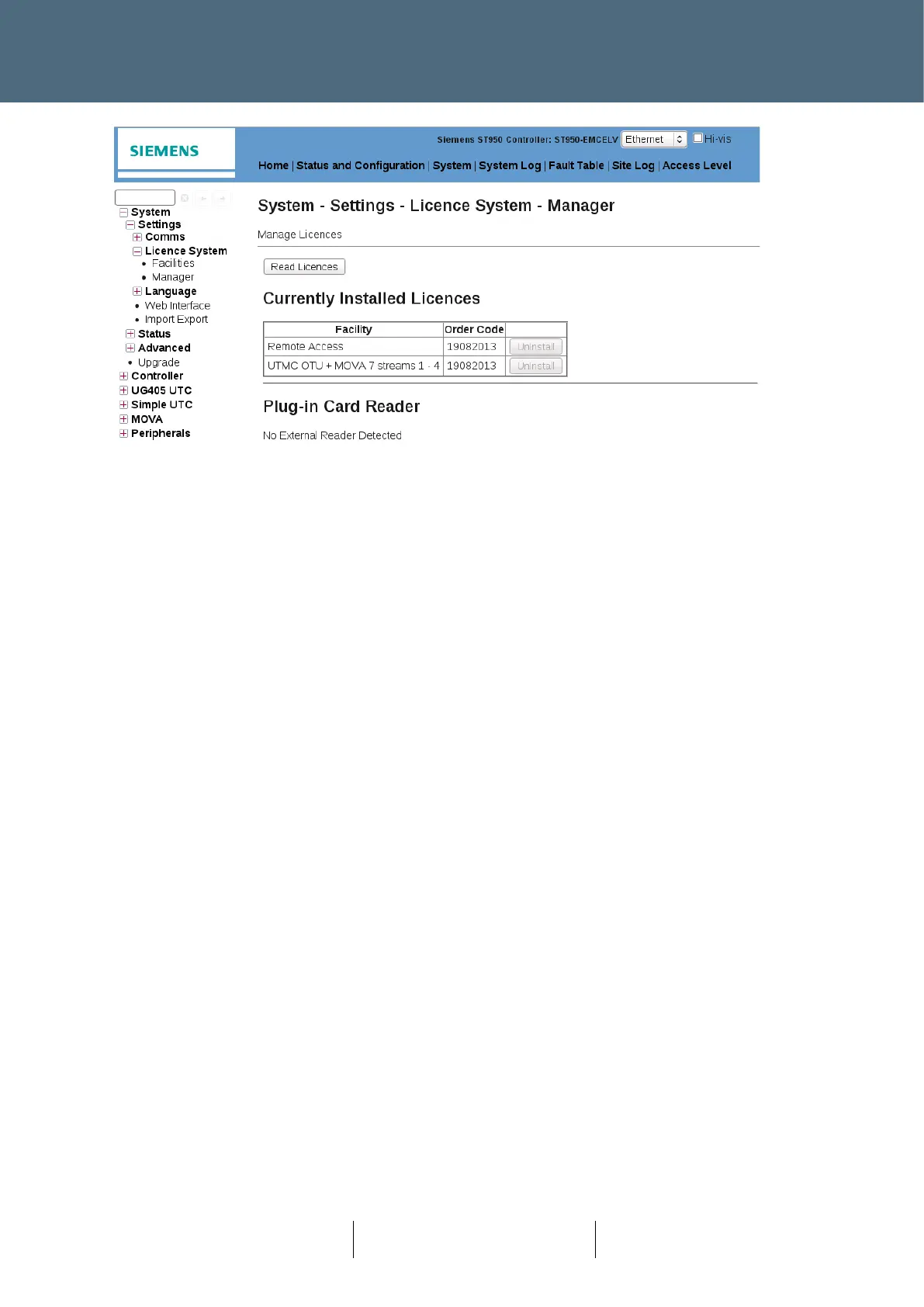
Figure 61 - Licence Manager web page with no external reader fitted
Transferring Licences to and from the Controller
To transfer a licence:
• Ensure a Licence Smart Card is fitted to the controller.
• Fit a Licence Smart Card into a USB Smart Card reader.
• Connect the USB Smart Card reader to the USB port on the front of the controller CPU Card.
• View the Licence Manager web page.
• Press the 'Read Licences' button.








 To Next Page